
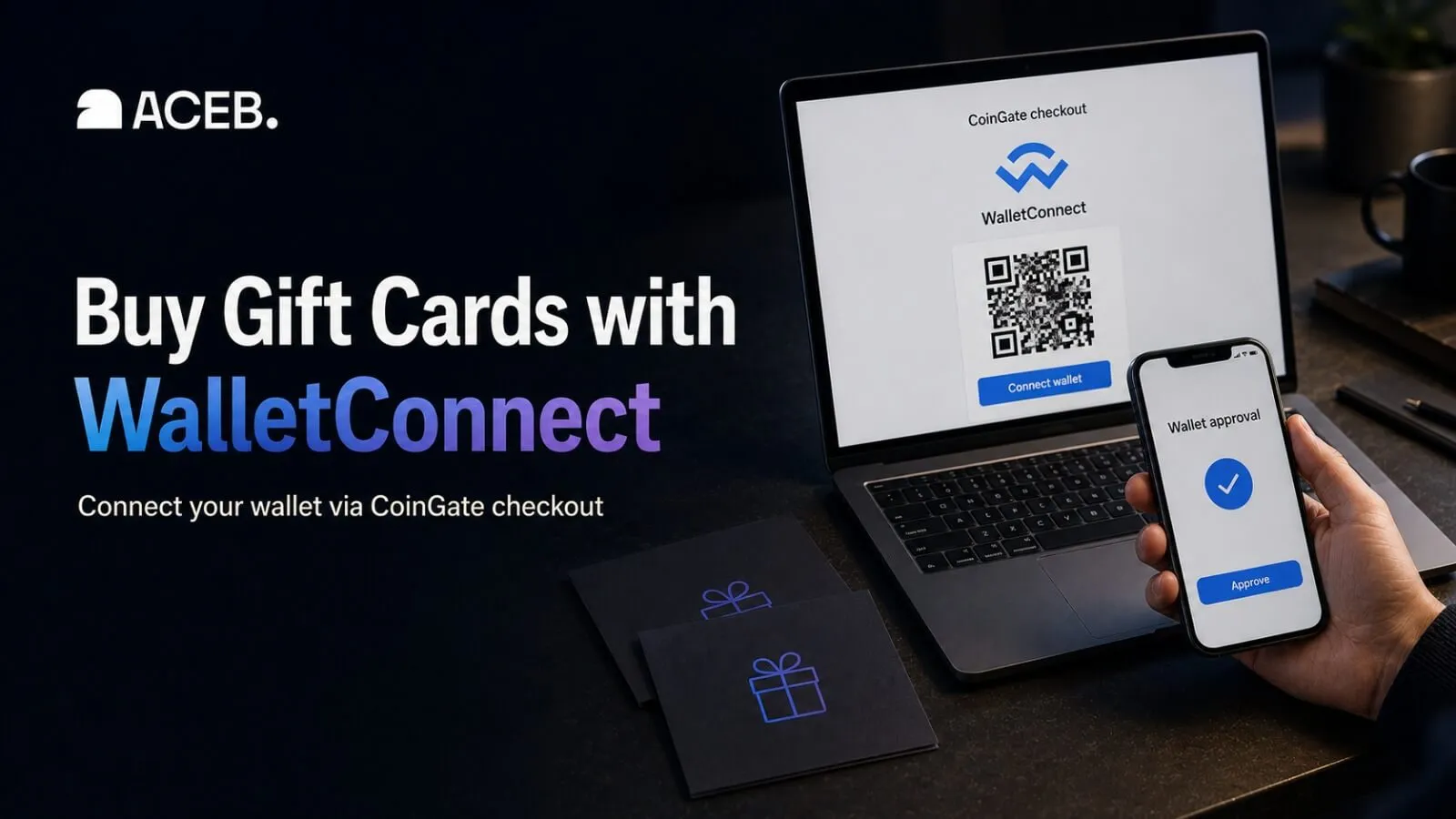
Buy Gift Cards with WalletConnect
Buy digital gift cards on ACEB using WalletConnect through CoinGate. Select Pay with Crypto, connect a compatible wallet by QR code or in-browser, and approve the transaction in your wallet.
Buy digital gift cards on ACEB and pay from a compatible crypto wallet using WalletConnect in the CoinGate checkout. Select Pay with Crypto, choose WalletConnect, connect your wallet, and approve the transaction.
WalletConnect is provided through CoinGate, ACEB’s crypto checkout provider. It is a wallet-connection protocol, not a cryptocurrency or standalone wallet. Available wallets, assets, and networks are shown during checkout.
- WalletConnect via CoinGate
- Browser or QR connection
- Final approval in your wallet
Gift cards to buy with WalletConnect
WalletConnect changes payment authorization, not the region or redemption rules of the selected gift card.
Amazon USA
Amazon.com credit for eligible U.S. or Puerto Rico accounts.
View gift card →Apple Germany
Credit for eligible purchases through a German Apple account.
View gift card →Steam EU
European Steam Wallet credit for a matching account.
View gift card →Razer Gold Worldwide
Gaming credit subject to participating services and country rules.
View gift card →PlayStation USA
Store credit for an eligible U.S. PlayStation account.
View gift card →Xbox EU
European Xbox credit for eligible games, add-ons, and services.
View gift card →Google Play Germany
Credit for a matching German Google Play payments profile.
View gift card →Uber Rides UK
Value for eligible rides under the UK product conditions.
View gift card →How to buy a gift card with WalletConnect
ACEB starts the order; CoinGate handles the wallet connection and crypto payment.
Choose the gift card
Select the brand and value, then check the country, currency, and account region.
Select Pay with Crypto
In the ACEB cart choose Pay with Crypto. In CoinGate, choose Pay with WalletConnect.
Connect your wallet
Connect in-browser or by QR, choose a displayed cryptocurrency, and add billing details if requested.
Approve and receive the code
Review and approve the transaction in your wallet. The code is emailed after confirmation and ACEB processing.
Check the product, connection, and transaction
Connecting the wallet and approving the payment are separate actions. Check both before continuing.
Match the card to the account
Check the country, currency, account region, and redemption terms before paying.
Approve the intended payment
Verify the asset, network, amount, destination, connected account, and fees. Reject unexpected details.
Use what is displayed
If WalletConnect is unavailable for the order, select another offered method instead of forcing a different network.
Questions before connecting your wallet
Answers about connection, payment approval, delivery, and refunds.
Can I buy gift cards on ACEB with WalletConnect?
Yes, when the option is available through CoinGate. Choose Pay with Crypto on ACEB, select Pay with WalletConnect on the next payment page, connect a compatible wallet, and approve the resulting crypto transaction.
Is WalletConnect a wallet or cryptocurrency?
No. WalletConnect is a connection protocol used to link compatible wallets with applications and payment pages. You still pay with a cryptocurrency and network made available in the current CoinGate checkout.
Which wallets, cryptocurrencies, and networks can I use?
Use the wallet, asset, and network options displayed after connection. Availability can vary by device, wallet version, balance, and region, so the checkout is more reliable than a fixed list.
Does connecting my wallet automatically send crypto?
No. Connection approval and transaction approval are separate. The crypto payment is sent only after you review and approve the transaction request inside your wallet.
Is it safe to scan the WalletConnect QR code?
Scan only the QR code reached through your active ACEB and CoinGate checkout. Verify the request inside your wallet, reject unexpected permissions or transactions, and never enter or share a seed phrase or private key.
When will I receive the digital gift card?
The code is sent by email after CoinGate detects the on-chain payment confirmation and ACEB completes order processing. Timing can vary with the selected network, product availability, and any required checks.
Can a WalletConnect payment or delivered gift card be refunded?
Confirmed blockchain transactions cannot be reversed. However, if ACEB cannot fulfil the order or there is a verified issue with the delivered product, any applicable refund will be handled according to the ACEB Return Policy, the product terms, and applicable law. Delivered or exposed digital codes are generally non-returnable.
Choose a gift card and pay from your wallet
Select the correct product, choose WalletConnect after Pay with Crypto, and approve the transaction in your wallet.
WalletConnect availability, supported wallets, assets, networks, fees, confirmation times, and delivery timing may vary. Follow the product page and payment request for each order. Trademarks belong to their respective owners.