
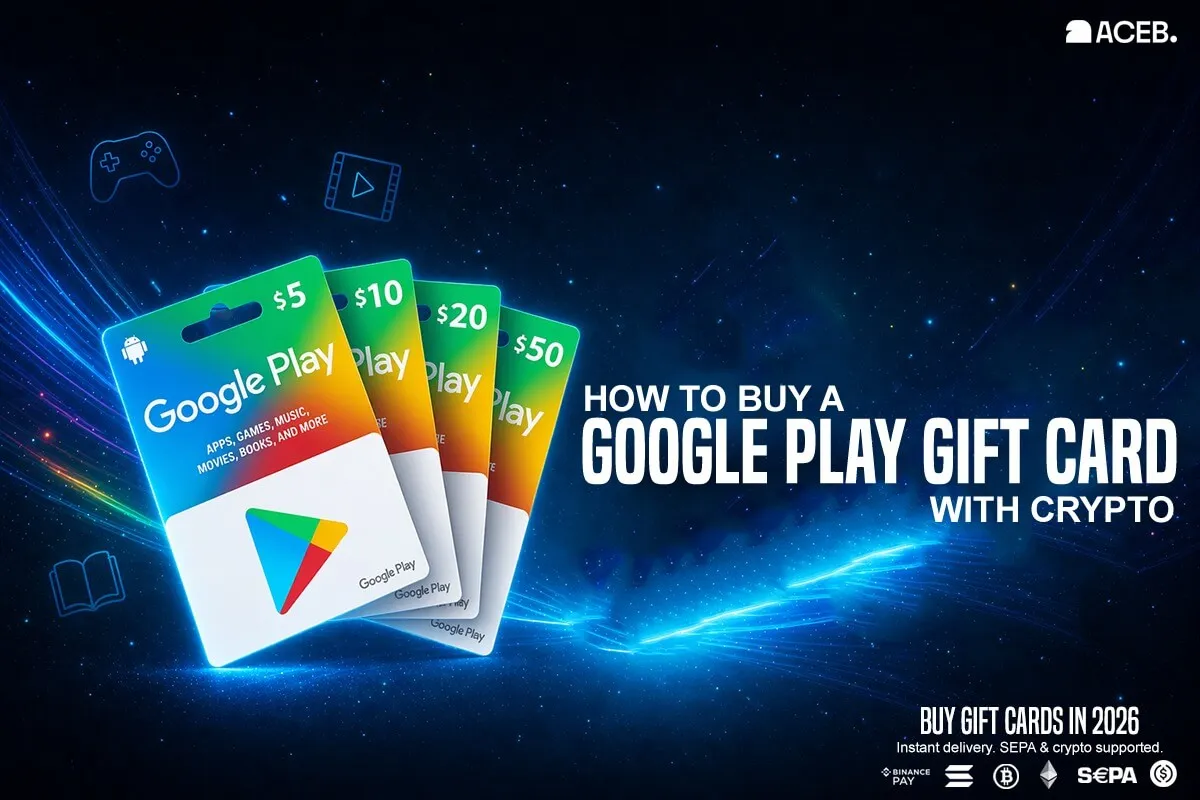
How to Buy a Google Play Gift Card with Crypto
A Google Play gift card is a prepaid code that adds balance to your Google Play account. You can use it for apps, games, subscriptions, movies, and books.
You can buy a Google Play gift card with crypto on ACEB.com by choosing the correct country, paying with BTC, ETH, SOL, USDC, or SEPA, and receiving the code by email.
The most important step is country matching: your Google Play gift card must match the country of your Google Play account.
Buy a Google Play Gift Card with Crypto
Choose your country, pay with crypto, and receive your code by email.
Browse Google Play Gift Cards- Google Play gift cards are region locked and must match your Google Play account country.
- ACEB.com supports BTC, ETH, SOL, USDC, and SEPA payments.
- The gift card code is delivered by email after payment confirmation.
- Google Play balance can be used for apps, games, subscriptions, in-app purchases, books, movies, and eligible digital content.
1. Check Your Google Play Country First
Google Play gift cards are country-specific. A US Google Play card is meant for a US Google Play account, a German card for a German account, and so on.
This is the number one reason a valid Google Play gift card code does not work: the card country and the Google Play account country do not match.
2. How to Buy a Google Play Gift Card with Crypto
- Step 1: Check your Google Play account country Open Google Play and confirm the country linked to your account or payment profile.
- Step 2: Choose the matching card on ACEB.com Go to Google Play gift cards on ACEB.com and select the correct country.
- Step 3: Select amount and enter your email Choose the denomination and enter the email address where the code should be delivered.
- Step 4: Pay with crypto or SEPA Complete payment with BTC, ETH, SOL, USDC, or SEPA.
- Step 5: Receive the code by email After payment confirmation, your Google Play gift card code is sent to your email.
- Step 6: Redeem the code on Google Play Open Google Play Store → profile icon → Payments & subscriptions → Redeem code.
Ready to buy?
Pick your Google Play country before completing the order.
Choose Google Play Card3. Available Google Play Countries on ACEB.com
Select the Google Play gift card that matches your account country. These country pages are important both for redemption and for avoiding region mismatch errors.
4. How to Redeem a Google Play Gift Card
Redeem the code on the Google account where you want the balance to be added. In most cases, Google Play balance cannot be moved to another account after redemption.
- Open the Google Play Store app.
- Tap your profile icon.
- Go to Payments & subscriptions.
- Select Redeem code.
- Enter the code and confirm.
You can also redeem directly at play.google.com/redeem.
5. What You Can Buy with Google Play Balance
After redemption, the value is added to your Google Play balance. You can use it for eligible digital purchases available in your country.
Paid apps, premium games, and upgrades.
Game currency, add-ons, and premium app features.
Eligible subscriptions billed through Google Play.
Supported digital content available in your region.
6. Common Errors: Google Play Gift Card Not Working
| Problem | Likely Cause | Fix |
|---|---|---|
| Code cannot be redeemed in your country | Region mismatch | Check your Google Play country and buy the matching card. |
| Invalid code | Typing error, extra spaces, or formatting issue | Copy the code carefully and remove spaces or dashes before submitting it. |
| Code already redeemed | Code was applied to a Google account | Check the balance on the account where you redeemed it. |
| You have reached your redemption limit | Google Play account or redemption limit reached | Wait before trying again or contact Google Play support for account-specific limits. |
| Can’t use Play balance in another country | Google Play balance is tied to the country where it was redeemed | Use the balance in the same Google Play country. Before buying, choose the card that matches your account country. |
| Code not received | Payment not confirmed or email filtered | Check payment status, inbox, spam, and promotions folders. |
Frequently Asked Questions
Can I buy a Google Play gift card with Bitcoin?
Yes. You can buy Google Play gift cards on ACEB.com with BTC, ETH, SOL, USDC, or SEPA.
Are Google Play gift cards region locked?
Yes. The gift card country must match your Google Play account country.
Why is my Google Play gift card not working?
Common causes include country mismatch, typing errors, extra spaces, delayed payment confirmation, redemption limits, or redeeming on the wrong Google account.
How do I redeem a Google Play gift card?
Open Google Play Store, tap your profile icon, go to Payments & subscriptions, select Redeem code, enter the code, and confirm. You can also go directly to play.google.com/redeem.
What can I buy with Google Play balance?
You can use it for eligible apps, games, in-app purchases, subscriptions, books, movies, and other Google Play content depending on your country.
Do Google Play gift cards expire?
Google Play gift cards generally have no fees or expiration dates, unless required by law. You should still redeem your code promptly after purchase.
Buy a Google Play Gift Card with Crypto on ACEB.com
Choose the right country, pay with BTC, ETH, SOL, USDC, or SEPA, and receive your Google Play code by email.
Browse Google Play Gift Cards