
Покупайте умнее с подарочными картами Amazon: Полное руководство
Master budgeting, redeeming and stacking discounts with Amazon Gift Cards. Tactics, case studies and a multi-brand plan to save over €500 per year.
Shop Smarter with Amazon Gift Cards – Complete Guide (Crypto‑Friendly)
Quick win: buy the correct region card, redeem to your Gift Card Balance, then stack it with seasonal deals (Prime Day/Black Friday), coupons, and eligible programs like Subscribe & Save. If you prefer crypto, checkout is available via ACEB.
Table of contents
- Who this guide is for
- What you can & can’t do with Amazon Gift Cards
- Pre‑buy checklist
- How to buy with crypto on ACEB (simple flow)
- How to redeem on Amazon (desktop & mobile)
- Balance, expiry & combining cards
- 9 practical ways to save more
- Useful scenarios
- Countries & marketplaces (US, UK, ES, DE…)
- Problems & solutions (quick fixes)
- Security & anti‑fraud (must‑read)
- FAQ
Who this guide is for
This guide is designed for everyday shoppers who want clear, practical steps; crypto users who prefer paying with BTC/ETH and want fast delivery; and teams that need clean invoicing when buying gift cards for business purposes.
New to gift cards? Start with the capabilities and limits, then jump to the crypto‑friendly purchase flow or straight to redemption. For savings, see 9 tactics.
What you can & can’t do with Amazon Gift Cards
What you can do
- Top up your Gift Card Balance and pay eligible orders on the matching marketplace (e.g., Amazon.com for US cards).
- Redeem multiple codes — balances accumulate in your account.
- Send Amazons to others for near‑instant delivery by email.
What you can’t do (in general)
- Use a gift card across different regions (US → UK/ES/DE); cards are typically region‑locked.
- Convert gift card funds to cash (local rules may allow specific edge cases).
- Always pay for third‑party services/subscriptions or Amazon Pay — eligibility varies by country and merchant.
- Reclaim a code already redeemed on a different account without official support intervention.
Always read the local Amazon marketplace terms before purchasing — policies can vary by country. See: official references.
Pre‑buy checklist
- Region fit: choose the marketplace you actually use (US/UK/ES/DE etc.).
- Card type: Amazon (fast email delivery) vs physical (tangible gift).
- Denominations: pick sums that match your typical basket to avoid leftover balances.
- Delivery: Amazons are usually near‑instant; occasional security checks can apply.
- Invoicing: for business purchases, prepare accurate company details at checkout.
How to buy with crypto on ACEB (simple flow)
- Open the relevant product page (e.g., Amazon US or Amazon ES).
- Select the denomination and quantity.
- Choose the crypto payment option and follow the instructions in the payment window.
- Confirm your email address carefully — the Amazon code will be delivered here.
- Finalize the transfer within the stated time window.
- Receive your Amazon code by email (anti‑fraud checks may apply in rare cases).
Can’t find the email? Check Promotions/Spam and whitelist our sender. If still missing, contact support with your order details.
How to redeem on Amazon (desktop & mobile)
Desktop
- Sign into the correct marketplace.
- Go to Your Account → Gift Cards.
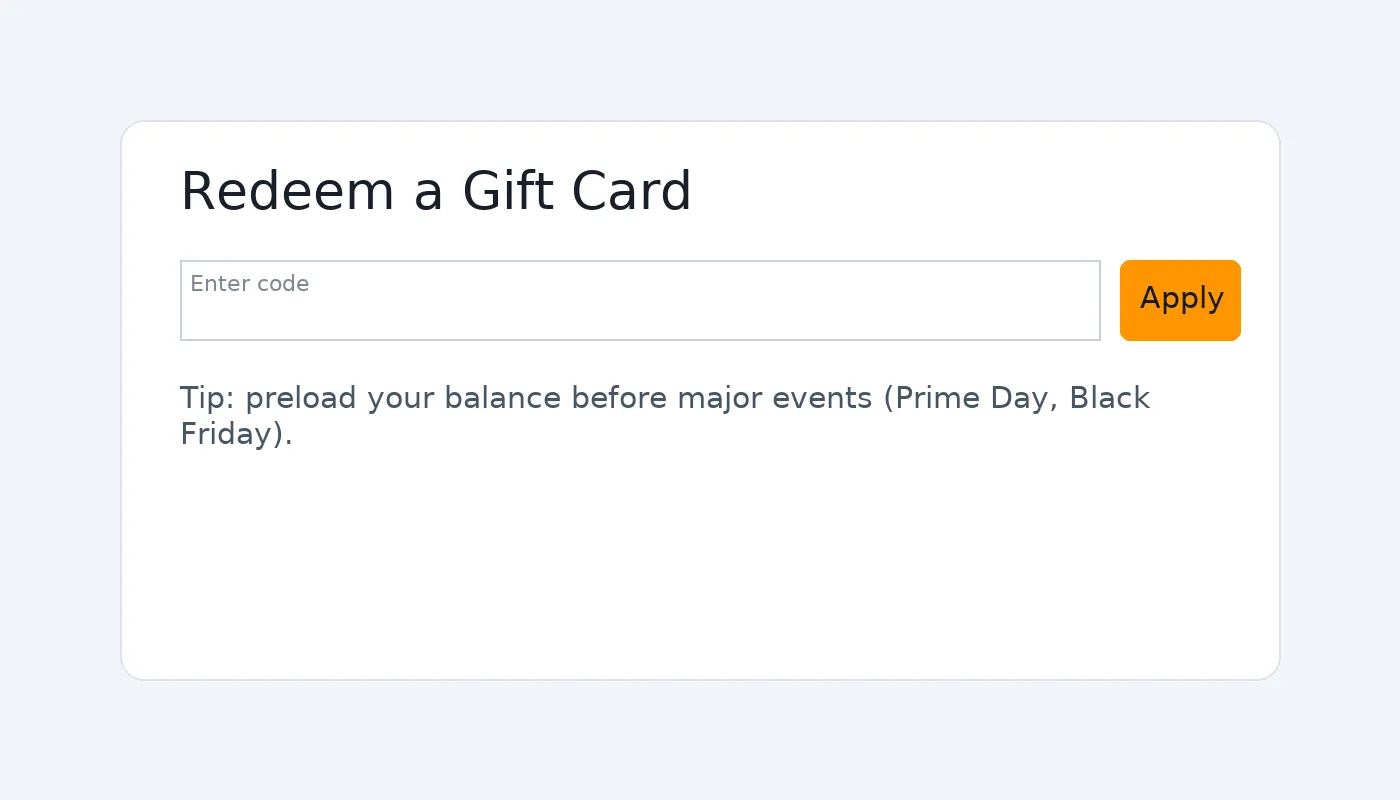
- Click Redeem a Gift Card and enter the code (mind 0/O and 1/I).
- Confirm — the value is added to Gift Card Balance and can be selected at checkout.
Mobile (app)
- Open the Amazon app and go to Your Account.
- Find Gift Card Balance or Redeem a Gift Card.
- Enter or scan the code, then confirm.
Balance, expiry & combining cards
- You can redeem multiple codes; the values accumulate in your balance.
- Check your balance in Your Account → Gift Cards regularly.
- Expiry rules differ by country; Amazons often have generous or no expiry — verify locally.
- Leftover funds remain in your balance for future purchases.
9 practical ways to save more
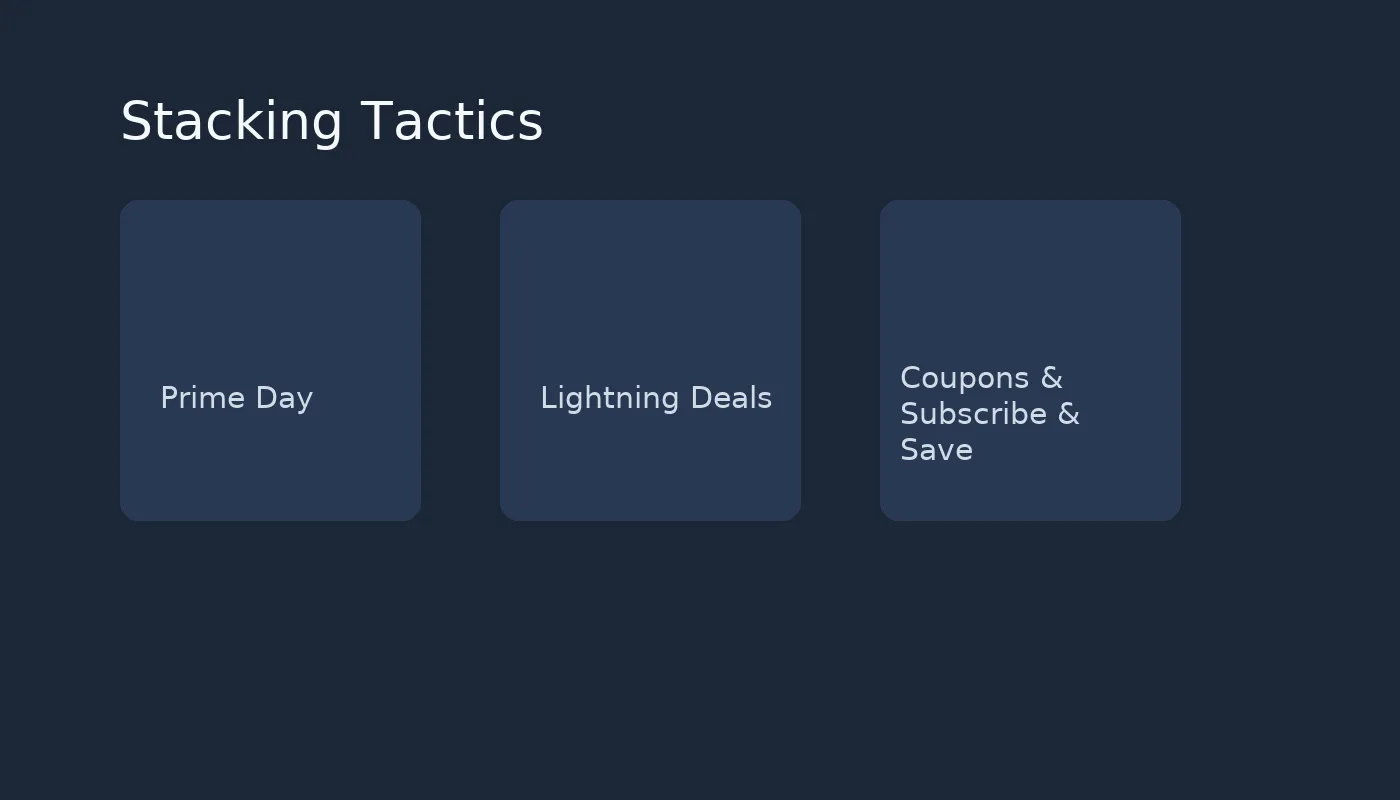
- Time your purchase around Prime Day, Black Friday/Cyber Monday, or seasonal events.
- Stack eligible coupons on product pages with your gift card balance at checkout.
- Watch Lightning Deals and Today’s Deals — act quickly when a price dips.
- Use Subscribe & Save only for items you genuinely need on repeat; adjust cadence.
- Check Warehouse Deals for quality returns/open-box items.
- Create goal baskets (e.g., Home, Office, Hobbies) and wait for category promos.
- Set price alerts using your preferred tracking tool so you deploy balance at the right time.
- Pick smart denominations to cover most of a typical basket and reduce tiny leftovers.
- For gifts, plan ahead: buy Amazons during sales, then send when needed.
Useful scenarios
Home essentials bundle
Build a quarterly basket of household consumables (detergents, filters, paper goods). Top up your balance before seasonal sales, then check out using coupons and Subscribe & Save where it makes sense.
Electronics upgrade
Shortlist 2–3 models, set price alerts, and preload your balance with the right denominations. When a deal hits, pay seamlessly from your balance.
Gifting friends & family
Use Amazons in sensible, smaller denominations. Send personalized notes and let recipients choose what they truly need.
Countries & marketplaces (US, UK, ES, DE…)
The golden rule: buy for the marketplace you intend to use. Below is a quick overview.
| Marketplace | Region use | Currency | Notes | Buy link |
|---|---|---|---|---|
| Amazon US (Amazon.com) | Use on Amazon.com | USD | Great selection; check international shipping policies for physical goods. | Amazon Gift Card (US) |
| Amazon Spain (Amazon.es) | Use on Amazon.es | EUR | Local language support; good for EU addresses. | Amazon Gift Card (ES) |
| Amazon UK (Amazon.co.uk) | Use on Amazon.co.uk | GBP | Post‑Brexit import rules may affect shipping; verify eligibility. | |
| Amazon Germany (Amazon.de) | Use on Amazon.de | EUR | Popular EU marketplace; check language preferences and shipping coverage. |
Cross‑region redemption generally doesn’t work. Always match your card to the marketplace you plan to use.
Problems & solutions (quick fixes)
“Invalid code”
- Double‑check characters (0/O, 1/I), hyphens and spacing.
- Confirm you’re on the correct marketplace (US code on Amazon.com, ES on Amazon.es, etc.).
- Ensure the code hasn’t been redeemed previously (try another account only if legitimate).
- If unresolved, contact support with order ID, timestamp and the email used at purchase.
“Region mismatch”
- Cards are typically region‑locked; purchase for the correct marketplace.
- If you bought the wrong region by mistake, contact support promptly to explore options.
“Balance not showing”
- Refresh the Gift Card Balance page; sign out/in if needed.
- Verify you redeemed under the same account and region.
- Check email for confirmation of successful redemption.
Delivery delays
- Look in Promotions/Spam folders; whitelist the sender.
- Occasional anti‑fraud checks can delay delivery; keep your order details handy.
Security & anti‑fraud (must‑read)
- Never share your full gift card code or screenshots with anyone claiming to be “support”.
- Only buy from trusted sources and verify the domain (look for https and the correct brand name).
- Beware of pressure tactics ("pay within 5 minutes or else"): this is common in scams.
- For business purchases, require internal approval/dual control for large denominations.
Prefer paying with crypto? Use the official pages on ACEB (see links above) and keep your transaction IDs.
FAQ
Can I use a US Amazon Gift Card on Amazon UK?
Generally no. Amazon gift cards are region‑specific; purchase for the marketplace you intend to use.
How do I check my balance?
Go to Your Account → Gift Card Balance. You can redeem additional codes anytime and they will stack.
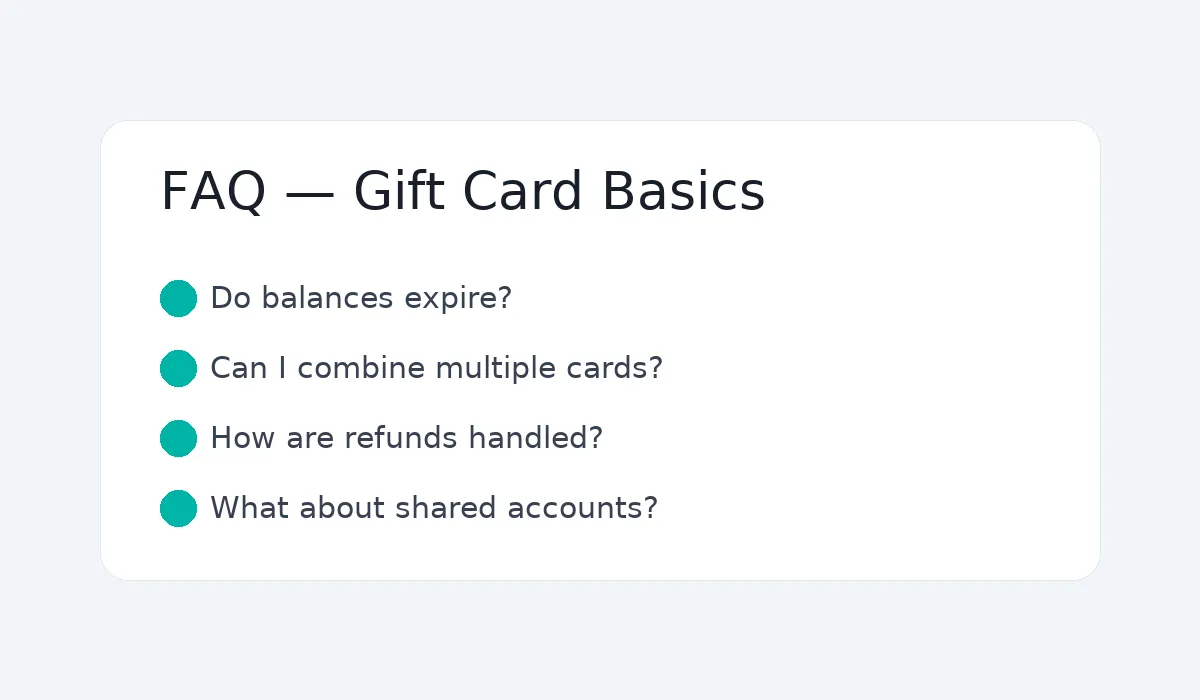
Can I combine multiple gift cards?
Yes. Redeem more than one code; the values accumulate in your balance.
Do gift cards expire?
Policies vary by country. Many Amazon codes don’t expire, but always check the local marketplace terms.
Is crypto payment supported?
Yes on ACEB. Choose the crypto option at checkout and follow the payment window. Delivery is usually near‑instant after confirmation.
Can I get an invoice for my company?
Yes. Enter your company details during checkout; invoices are issued according to applicable regulations.
What if my code doesn’t arrive?
Check Promotions/Spam and whitelist our sender. If still missing, contact support with your order ID and purchase email.
Can I use gift card balance for any product?
Most items on the matching marketplace are eligible, but some services, subscriptions or Amazon Pay may be restricted depending on country.