
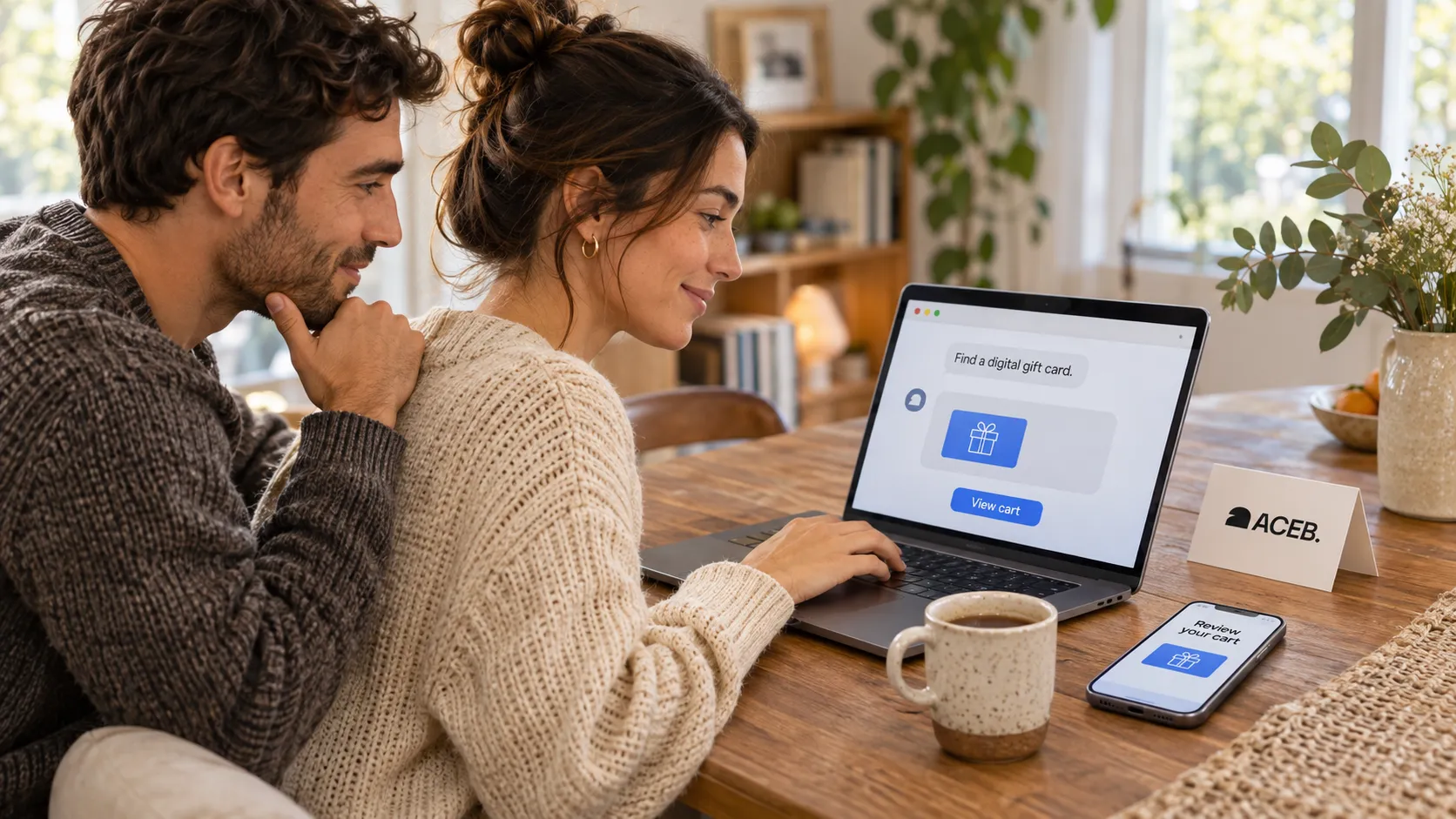
Introducing AI shopping on ACEB: from chat to checkout
ACEB's MCP server and public API bring live gift-card search, prices and cart preparation into compatible AI assistants.
If you're already using an AI assistant to compare gifts, you can now bring ACEB's live catalog into that conversation. Connect ACEB in a compatible app and ask for a gift card by brand, amount or redemption country.
The assistant can check the options, prepare a cart when you ask, and give you a link to review it. If you want to continue with crypto, it can also prepare a hosted checkout. You still complete the payment yourself.
A gift-card search with the region built in
Say you're buying a Steam gift card for a friend whose account is registered in Germany. Knowing that they use Steam is a start, but you also need the right region and amount.
You could ask:
Find Steam gift cards redeemable in Germany and show me the available amounts.
An assistant connected to ACEB can inspect the variants on the Steam EUR gift-card page, check their country coverage and quote the amount you choose.
This is where the live tools help. A familiar brand or a euro denomination doesn't settle every redemption question. The assistant can read the product's restrictions before suggesting a card for your friend.
A cart you can open and review
Found the right option? Ask your assistant to add it to your cart and share the link.
Open that link on ACEB to check the card, face value and quantity. If you'd rather choose a different amount, you can ask the assistant to change the cart. Browsing and preparing a cart do not require a delivery email, and adding an item does not charge you.
Checkout stays with you
When you're ready, tell your assistant which cryptocurrency you want to use. It can check the payment options available for your cart and create a hosted checkout link for a supported route.
You supply the delivery email, open the payment page, and review the purchase before paying. Confirm the asset and network there. Wallet or blockchain network fees are separate from the gift-card price, and a quote does not reserve stock or lock a rate.
Gift cards are sent by email after payment confirmation and order processing, usually within minutes. Timing can vary; the assistant can check the status of the order it created, but it never receives the redeem codes.
If you'd prefer SEPA bank transfer, continue from your cart on ACEB. SEPA requires an account and verification steps and cannot be initiated through the agent checkout tool.
Connect your assistant to ACEB
The integration uses Model Context Protocol (MCP), a standard for connecting AI applications to external tools. ACEB also provides a public REST API for custom integrations. Neither connection requires an API key.
Your application needs remote MCP support and a configured ACEB connection; its own access requirements still apply. The AI shopping guide has the server address, setup details and complete tool list. Developers can also use the Agent API specification.
Start with a brand, a budget and the recipient's redemption region. Connect ACEB using the guide or browse the gift-card catalog to see what you'd like to find.