
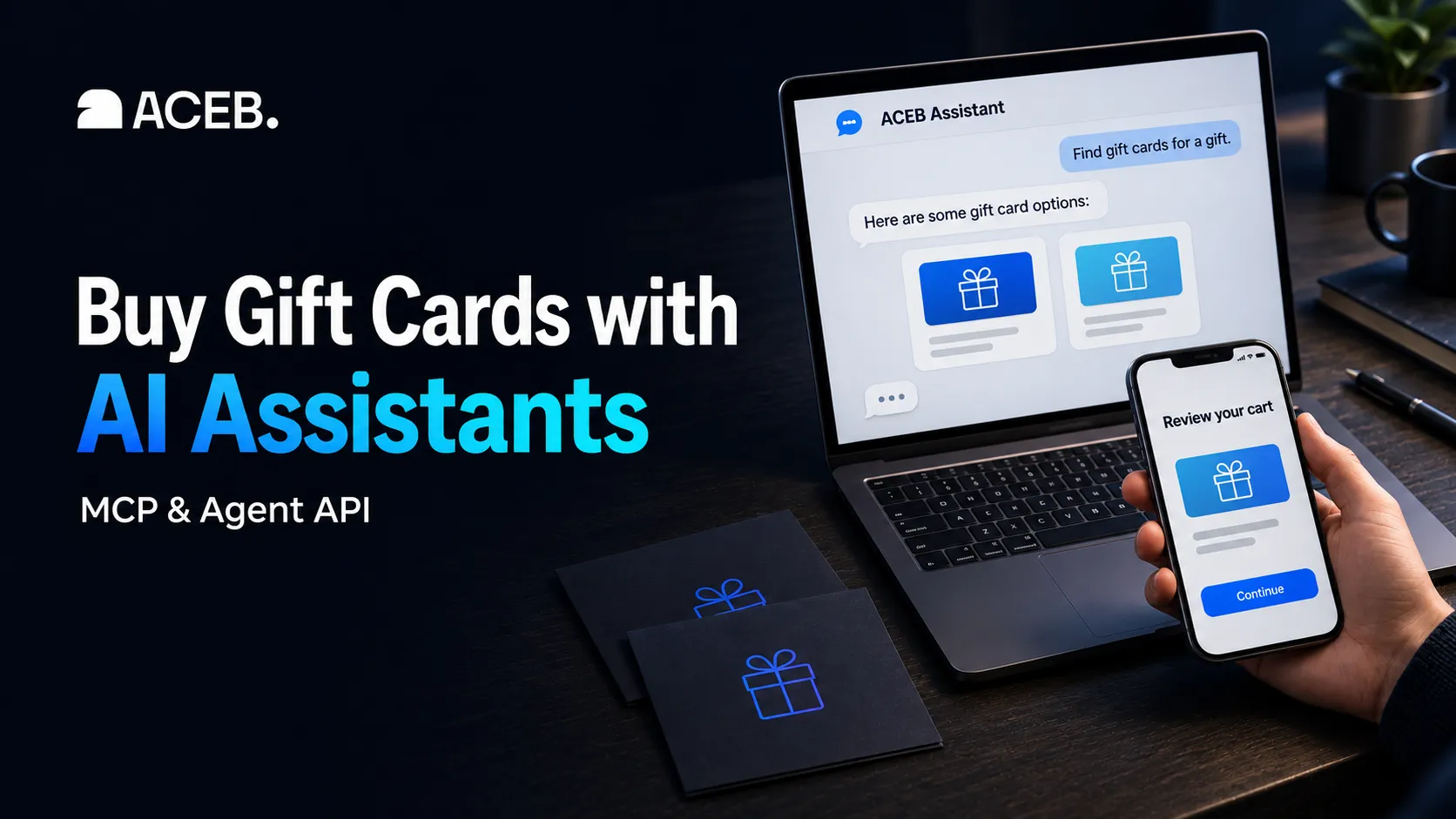
Shop for gift cards with your AI assistant
Connect a compatible AI assistant to ACEB's gift-card catalog. Check regions and prices, prepare a cart, and complete payment yourself.
Tell your assistant which gift card you need, where it will be redeemed, and how much you'd like to spend. Once connected to ACEB, it can search the live catalog, check the details and put your chosen items in a cart when you ask.
You can open that cart on ACEB to review it, or ask for a hosted crypto checkout link. You complete the payment yourself; the gift cards are sent by email after payment confirmation and order processing.
Looking for connection details? Jump to MCP setup or the available tools.
What you can do
- Find a suitable gift card. Search by brand, category or redemption country, then read the card's terms and account restrictions.
- Check an amount and price. See which denominations are available and get a current quote for the option you want.
- Build and edit a cart. Ask to add a card, change its amount or quantity, or remove an item.
- Prepare crypto checkout. Check the payment options for your cart and request a hosted payment link.
- Follow your order. Check payment and delivery status for orders created through the agent tools.
Try it: find a gift card and prepare a cart
Suppose you're buying a gaming gift for someone with a German account. Start with the region, rather than assuming any card in euros will work:
Find Steam gift cards redeemable in Germany and show me the available amounts.
Your assistant can inspect the matching variants on the Steam EUR gift-card page, including the country coverage of each amount. The recipient's account region and the issuer's rules matter, even when a listing includes a worldwide option.
Next, ask about the amount you're considering:
Check whether a €20 card is available for Germany and tell me its current price.
A quote shows current price and stock. It does not reserve the card or lock an exchange rate. The gift card's face value, its purchase price and the currency you pay in may differ.
Once you've chosen, give a clear instruction:
Add one of the cards we just reviewed to my cart and give me the cart link.
You can review the prepared cart on ACEB before continuing. Browsing, quotes and cart creation do not require a delivery email; the email is needed when creating a hosted checkout.
Ready to check out?
Tell your assistant which cryptocurrency you want to use, for example:
I want to pay with USDC. Check whether my cart supports it and prepare a payment link.
The assistant checks which routes are available for that cart. On the hosted payment page, review the purchase and confirm the asset and network before paying. Fees charged by your wallet or blockchain network are separate from the gift-card quote.
The tools do not transfer funds, access your wallet or ask for private keys, seed phrases, passwords or security codes.
For SEPA bank transfer, open your cart on ACEB and continue through your account. SEPA requires an account and verification steps; the agent checkout tool supports crypto payment sessions.
Connect ACEB to an AI assistant
ACEB supports Model Context Protocol (MCP), which lets compatible AI applications discover and call external tools. For a remote MCP client:
- Open the application's MCP or connector settings and add the server URL below.
- Connect to ACEB, review the available tools, and start with a product search.
| Setting | Value |
|---|---|
| MCP server URL | https://api.aceb.com/mcp |
| Transport | Streamable HTTP |
| Authentication | No API key or ACEB login required to connect |
| REST API schema | OpenAPI specification |
| Agent overview | ACEB AI agent guide |
Setup and access requirements vary by application. The server URL is an MCP endpoint, not a web page to browse. Your assistant needs a configured ACEB connection before it can use these tools.
Available MCP tools
| Tool | Purpose |
|---|---|
search_products |
Find gift cards by brand, category or redemption country. |
get_product |
Read variants, terms and redemption instructions. |
quote_price |
Check price and availability for a selected amount, currency and country. |
get_cart |
Read an existing cart. |
create_cart |
Create a cart or add requested items to an existing one. |
update_cart_item |
Change a cart line's quantity or face value. |
remove_cart_item |
Remove a requested cart line. |
list_payment_methods |
Check payment options, assets, networks and cart restrictions. |
create_crypto_checkout |
Create an order and hosted crypto payment session for the shopper. |
get_order_status |
Check an agent-created order's status without returning redeem codes. |
get_site_content |
Read ACEB's FAQs, policies and company information. |
Building a custom integration
The usual flow is search → product details → quote → cart. Create or change a cart only when the shopper asks, and return its cartUrl for review.
For checkout, obtain the delivery email and intended payment asset. Call list_payment_methods with the cart ID, select an available route marked agentCheckout: true, and pass its ID as payOption to create_crypto_checkout. Return the resulting paymentUrl so the shopper can pay.
If the order requires an account, exceeds an order limit, or the shopper wants SEPA, hand over the cart link. Check the status of a known order before retrying checkout, and respect rate-limit responses.
REST integrations can begin with a read-only catalog request:
curl 'https://api.aceb.com/agent/products?limit=5&country=DE&search=Steam&locale=en'
The OpenAPI specification documents REST requests, responses and error codes. MCP offers some additional reads, including product details and price quotes, that are not separate REST endpoints.
Frequently asked questions
Do I need an ACEB account?
Browsing and connecting to the public API require no ACEB account or API key. Crypto checkout generally does not require an account, though some orders may require one under ACEB's risk rules. SEPA bank transfer requires an account. Your AI application's own access requirements also apply.
Can I change my cart through the assistant?
Yes. Ask it to change the quantity or face value of a cart line, or remove an item. The requested amount must be offered for that card's currency and redemption region. Cart tools do not cancel or change a paid order.
How do delivery and order tracking work?
Gift cards are delivered to the checkout email after payment confirmation and order processing, usually within minutes. Timing can vary. For agent-created orders, completed means delivered by email; pending or paid alone does not confirm delivery. The tools never return the gift-card codes and cannot look up ordinary storefront orders.
What information does ACEB receive?
ACEB receives the information sent in tool requests, such as searches, selected products, cart details and, at hosted checkout, the delivery email and any requested gift details. The AI application's privacy policy covers its handling of your conversation. ACEB's Privacy Policy explains how API and order data are processed.
Start with a gift card
Browse ACEB's gift-card catalog or connect your assistant using the MCP details above. For purchase questions, see the shopping FAQ or contact ACEB.
Purchases are subject to ACEB's Terms and Return Policy.