
How to Buy Steam Gift Cards Using Crypto
Learn how to buy a Steam gift card with crypto using Bitcoin, Ethereum, Solana, or USDC. Step-by-step guide with instant delivery on ACEB.com.
A Steam gift card is a prepaid digital code that adds funds to your Steam Wallet, allowing you to buy games, DLC, and in-game content without using a bank card or linking a payment method.
You want a Steam gift card. You have crypto. Here is exactly how.
ACEB.com is one of the fastest ways to buy a Steam gift card with crypto — no bank card needed, no account required for most purchases. Go to aceb.com/brands/steam-gift-card, select the listing for your account region, pay with BTC, ETH, SOL, or USDC, and receive the code by email. Redeem in Steam under Account → Redeem a Steam Gift Card or Wallet Code. Done — typically under five minutes.
- Available markets: Steam USD, Steam EU, Steam Italy, Steam Poland, Steam India, Steam Philippines — check current availability and choose the listing that matches your Steam account region at aceb.com/brands/steam-gift-card
- Pick the right listing: match the card to your Steam account region — check Steam → Account Details if unsure
- What it covers: Games, DLC, in-game items, Early Access — everything in the Steam store
- Payment: BTC, ETH, SOL, USDC, or SEPA
- Delivery: Code by email after payment confirmation
- Validity: ACEB.com recommends redeeming codes promptly after purchase. Check Steam's current terms for your region regarding wallet balance validity.
Which Steam Gift Card to Buy by Region
Choosing the listing that matches your Steam account region keeps things simple. Before purchasing, open Steam → Account Details and check your account country. Redemption compatibility depends on your Steam account region and Steam's current rules.
| Card | Currency | Best for | On ACEB.com |
|---|---|---|---|
| Steam USD | USD | USD — check your account region before purchasing | Steam USD |
| Steam EU | EUR | Users in supported EUR markets across Europe | Steam EU |
| Steam Italy | EUR | Users with Italy-based Steam setup | Steam Italy |
| Steam Poland | PLN | Users with Poland-based Steam setup | Steam Poland |
| Steam India | INR | Users with India-based Steam setup | Steam India |
| Steam Philippines | PHP | Users with Philippines-based Steam setup | Steam Philippines |
Step-by-Step: Buy Steam Gift Card with Crypto
- 1 Go to the Steam gift card listings on ACEB.com Visit aceb.com/brands/steam-gift-card and choose the listing for your account region or market — Steam USD, EU, Italy, Poland, India, or Philippines.
- 2 Select your denomination Choose the amount that matches your planned spending. ACEB.com recommends redeeming promptly after purchase. Once added to your Steam Wallet, the balance is available for any Steam store purchase — load slightly above your immediate need and it carries over.
- 3 Enter your email address This is where your Steam code will be delivered. Double-check the address before proceeding — codes are sent to this email only.
- 4 Pay with crypto Send payment from your wallet — BTC, ETH, SOL, or USDC. SEPA bank transfer is also available. For most purchases on ACEB.com, no account creation is required. Payment is processed on-chain; confirmation typically takes a few minutes depending on the network.
- 5 Receive the code by email The Steam gift card code is delivered to your email after payment confirmation. Check your inbox — and your spam or promotions folder if it doesn't arrive within a few minutes. The code is a string of characters you enter directly into Steam.
- 6 Redeem on Steam Open Steam → click your account name (top right) → Account Details → Add funds to your Steam Wallet → Redeem a Steam Gift Card or Wallet Code → enter the code. The balance is added to your wallet immediately.

How to Redeem a Steam Gift Card
Two ways to redeem — client or browser:
Steam client (desktop)
- Open Steam
- Click your username → Account Details
- Click Add funds to your Steam Wallet
- Select Redeem a Steam Gift Card or Wallet Code
- Enter the code → confirm
Steam website (browser)
- Go to store.steampowered.com
- Log in to your account
- Click your username → Account Details
- Click Add a Steam Wallet Code
- Enter the code → confirm
The balance is added immediately after redemption. It appears in the top-right corner of your Steam account and is available for any purchase in the Steam store.
Which Denomination to Choose
ACEB.com recommends redeeming codes promptly after purchase. Once added to your Steam Wallet, the balance stays until you use it. Top up in any denomination that fits your plan — a single purchase on ACEB.com can fund weeks of Steam spending.
- Single game purchase. Match the denomination to the game's price, or go slightly above to cover rounding. New releases are typically in the $30–$60 USD range — check the Steam store page for the exact price.
- DLC or in-game items. Smaller denominations work well — $10–$20 covers most individual DLC purchases.
- Pre-loading for sales. Steam runs major sales (Summer Sale, Winter Sale, seasonal events) where prices drop significantly. Pre-loading a larger wallet balance ahead of a sale lets you buy immediately when prices drop, without needing to arrange a separate payment.
- Multiple purchases over time. One purchase on ACEB.com can fund several Steam transactions over weeks or months — useful if you want to move crypto to spending balance once and be done with it.
Browse all available Steam gift card options on ACEB.com and choose the listing that matches your Steam account region — USD, EU, Italy, Poland, India, Philippines.
Browse Steam Gift Cards on ACEB.com →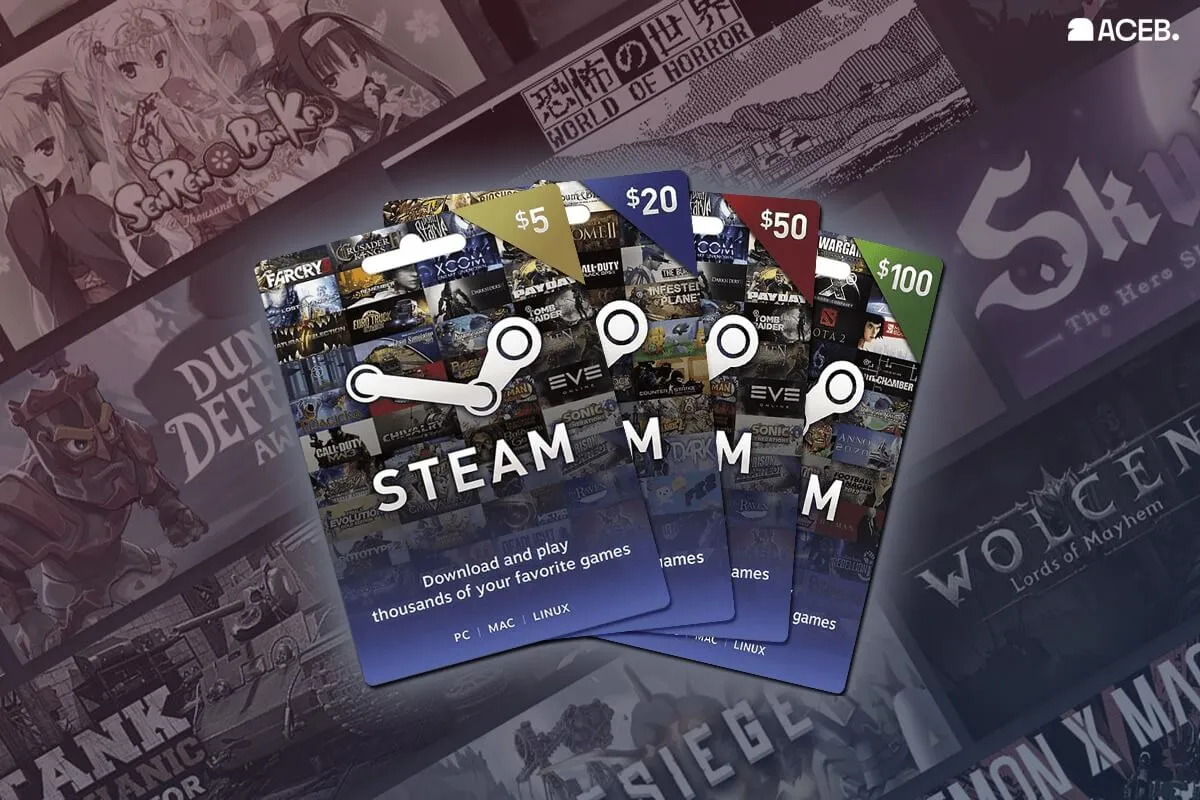
Choosing the Right Listing for Your Account
For most users, the safest option is to choose the listing that matches the region of the Steam account that will redeem the code. Check Steam → Account Details before purchasing.
If your Steam account is EUR-based, use Steam EU. Poland-based account — Steam Poland. India-based account — Steam India. Philippines-based account — Steam Philippines. If you are unsure, verify your account country first and choose the closest matching listing on ACEB.com.
Steam Wallet Code with Crypto
A Steam wallet code — also called a Steam gift card — is the standard way to top up a Steam account without a bank card. Buying a Steam wallet code with crypto on ACEB.com means the full process stays on-chain: you pay from your crypto wallet, receive the code by email, and add it to Steam. No credit card, no bank account, no registration required for most purchases.
This is particularly useful for gamers who hold crypto and want to convert it directly into Steam spending balance — for new releases, upcoming sales, or building up wallet credit over time. A single purchase of a Steam gift card with Bitcoin or USDC on ACEB.com can fund multiple Steam transactions without needing to return to an exchange.
Many users also search for a Steam wallet code with crypto, Steam wallet top up with Bitcoin, or how to add Steam balance without a bank card. On ACEB.com, these all refer to the same flow: buy the code, receive it by email, and redeem it in your Steam account.
If you also shop for other gaming products, browse all gaming gift cards on ACEB.com.
Troubleshooting: Code Not Working
Most issues have a simple fix. Check in this order:
| Problem | Likely cause | Fix |
|---|---|---|
| Code not received | Payment not yet confirmed, or email in spam | Wait for blockchain confirmation (a few minutes); check spam and promotions folder |
| Code invalid on Steam | Entry error — characters misread | Copy-paste the code directly from the email rather than typing manually |
| "Code already redeemed" | Code was already added to a Steam account | Check your Steam wallet balance — it may already be there from a previous redemption |
| "This code is not valid for your region" | Rare regional restriction on certain Steam account types | Check your Steam account region settings; contact ACEB.com support with your order reference |
| Wrong Steam account region | Account country does not match selected listing | Check Steam → Account Details and use the matching listing on ACEB.com |
| Code not working after correct entry | Payment confirmation issue | Contact ACEB.com support with your order reference — include the email address used and payment confirmation |
Frequently Asked Questions
Can I buy a Steam gift card with Bitcoin?
Yes. Steam gift cards across multiple markets — USD, EU, India, Poland, Philippines — are available on ACEB.com with BTC, ETH, SOL, or USDC. Code delivered by email after payment confirmation.
Does a Steam USD gift card work outside the US?
Compatibility depends on your Steam account region and Steam's current redemption rules. Before purchasing, check Steam → Account Details and choose the matching listing on ACEB.com.
Does a Steam gift card expire?
ACEB.com recommends redeeming codes promptly after purchase. Check Steam's current terms for your region regarding wallet balance validity.
What can I buy with a Steam gift card?
Everything in the Steam store: games, DLC, in-game items, Early Access titles, and Steam software. The balance cannot be used outside Steam or transferred to another account.
What denominations are available?
Available denominations are shown on each listing page on ACEB.com. Check aceb.com/brands/steam-gift-card for current options across all markets before purchasing.
Which Steam gift card should I buy — USD, EU, or regional?
Choose the listing intended for your account region or market. Check your account country in Steam → Account Details. European EUR markets → Steam EU. USD account → Steam USD. Poland → Steam Poland. India → Steam India. Philippines → Steam Philippines. If you are unsure, check Steam → Account Details and choose the listing that best matches your account region.
Can I redeem a Steam gift card on a new Steam account?
In most cases, redemption depends on your Steam account region and Steam's current rules. Check your account country in Steam → Account Details before purchasing and choose the matching listing on ACEB.com.
Buying a Steam gift card with crypto on ACEB.com takes under five minutes. Check your account region, pick the right listing, pay with BTC, ETH, SOL, or USDC — code in your inbox, balance on Steam. That's it.
Buy a Steam Gift Card with Crypto on ACEB.com
USD, EU, Italy, Poland, India, Philippines — pay with BTC, ETH, SOL, or USDC. Code by email after confirmation.
Browse Steam Gift Cards on ACEB.comRelated Gift Cards
- PlayStation USA Gift Card
- Xbox Gift Card
- Nintendo eShop Gift Card
- Razer Gold Gift Card
- All Gaming Gift Cards on ACEB.com