

Why Binance Pay Appears in the CoinGate Checkout
Binance Pay is available on ACEB through the CoinGate crypto checkout, not through a direct integration. Learn who controls each payment stage, why availability can change and what to do when a request expires or its status remains unclear.
The route can look like one checkout because the handoffs happen quickly. Operationally, however, the product order, the provider invoice and the account-level approval belong to three different systems. Knowing those boundaries explains why Binance Pay is not a separate ACEB cart button, why it can be missing from a live payment window and why a paid receipt can appear before a gift card order is processed.
Key Takeaways
- ACEB first sends the crypto payment to a CoinGate-hosted checkout.
- CoinGate presents Binance Pay when that route is available for the live payment.
- Binance handles the user’s review, Pay PIN or 2FA, and payment authorization.
- CoinGate payment status and ACEB order fulfilment remain separate stages.
In This Guide
Why Binance Pay Appears After the ACEB Cart
ACEB’s cart starts with the product and the order: the gift card, value, region and delivery email. For a crypto payment, the cart then opens CoinGate’s hosted payment page. CoinGate’s current invoice guide shows Binance Pay as one of the routes that can be selected on that provider page, alongside its other available payment options.
That placement is deliberate. Binance Pay is not being embedded as a stand-alone ACEB cart integration. It is a payment route supported by CoinGate, which sits between the ACEB order and the approval completed inside Binance. Interface labels can change, so the live CoinGate window is more authoritative than an old screenshot or tutorial.
For the current ACEB payment route and product-level checkout details, use the dedicated ACEB Binance Pay checkout page. Here, the focus is the provider relationship, status boundaries and recovery checks.
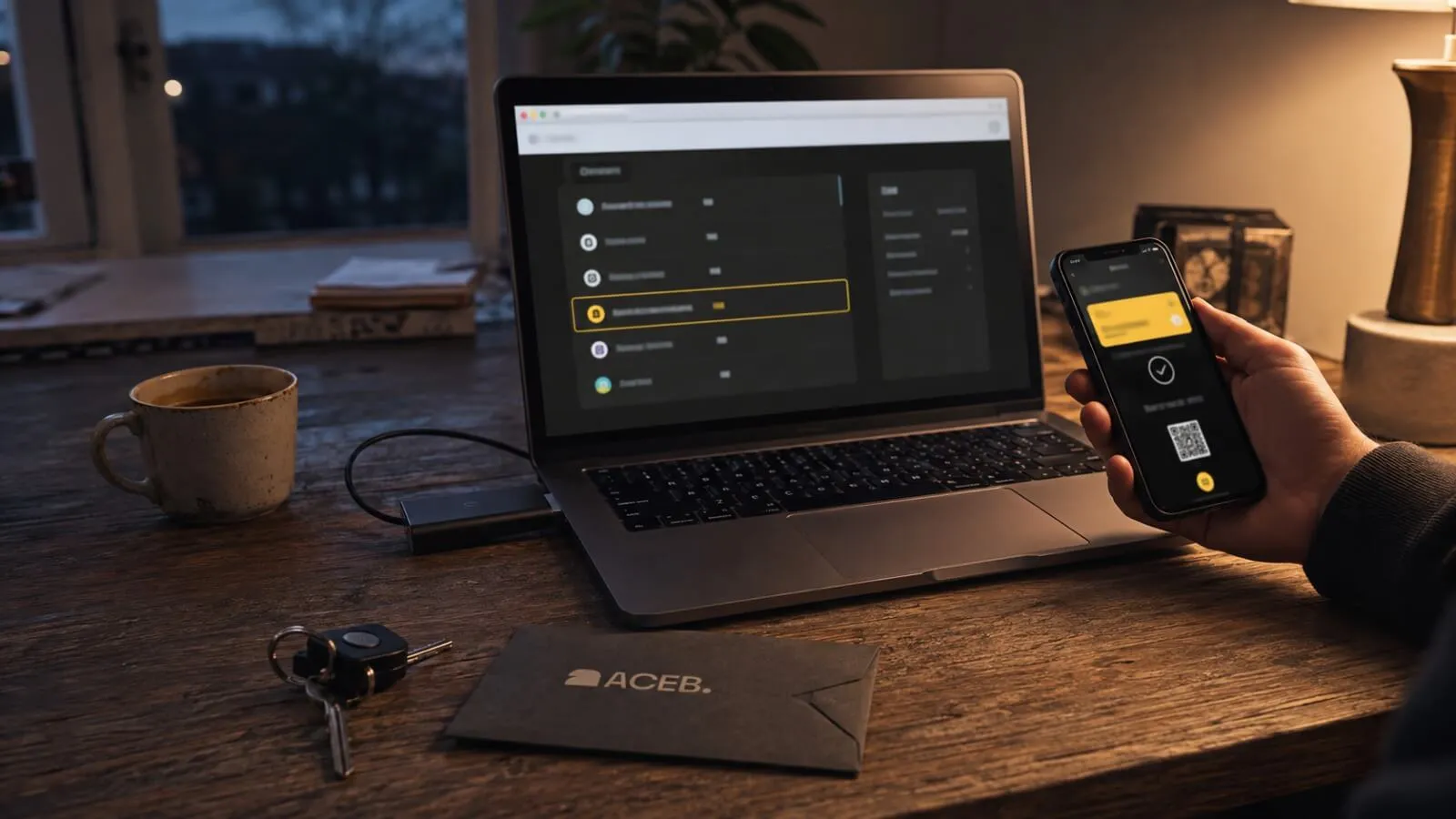
ACEB, CoinGate and Binance Pay Control Different Parts
Treating the route as three connected services makes troubleshooting more precise. It also prevents a payment receipt from being confused with delivery confirmation.
ACEB
Defines the product, records the order and delivery email, receives the provider’s payment status, and processes the digital gift card after payment confirmation and any required order checks.
CoinGate
Creates the provider payment page, presents the routes available for that invoice, shows payment progress, and sends status changes back to the merchant integration.
Binance Pay
Applies Binance account and regional rules, displays the payment request, lets the user choose an available payment asset, and verifies authorization with Pay PIN or 2FA.
Exact labels and intermediate compliance checks can vary. Follow the active order and payment window rather than reusing details from an earlier attempt.
Opened, Approved, Paid and Fulfilled Are Not Synonyms
Opening CoinGate only means a provider invoice exists. Seeing a Binance Pay request means the authorization stage is available. Confirming inside Binance records the payment action in Binance. CoinGate must still update the invoice and communicate its status to ACEB before the product order can move forward.
CoinGate’s current documentation describes real-time invoice monitoring and payment callbacks for status changes such as pending, confirming, paid, invalid, cancelled, refunded or expired. ACEB then uses the relevant provider result in its own order workflow. This is why a shopper may briefly see different labels in three places without any one of them being false.
What to Check When Binance Pay Is Missing
The live CoinGate page—not the ACEB cart—shows whether Binance Pay is available for the current payment. Availability can be affected by provider or merchant configuration, service conditions, country restrictions and the eligibility of the Binance account attempting to continue.
If the route is not listed, there is no separate Binance Pay switch to enable in the ACEB cart. Use another method shown for that invoice, restart from the current ACEB checkout if the page is stale, or contact support when the order state is unclear.
The option is not listed
Do not create a manual Binance transfer using details from another payment method. A different route can have a different address, network, amount and status logic.
Binance will not continue
Check the message shown inside Binance. Account verification, country availability, asset restrictions or an account-level control may prevent authorization.
The QR code does not open
Use the scanner inside the Binance app and make sure the CoinGate page is still active. A stale or expired request needs a new payment page, not repeated scans.
The asset or amount differs
Stop before approval. Review the payment details shown inside Binance and compare them with the active checkout. Do not rely on an older asset list or screenshot.
What Changes When the CoinGate Request Expires
CoinGate states that its checkout page is normally valid for a 20-minute window to limit exposure to crypto price changes. The active countdown is authoritative. After expiry, the page closes and a new payment link or checkout attempt is required.
If no payment was approved, restart from the current ACEB checkout and follow the newly generated provider page. Do not reuse the old QR code or continuation link. If a payment was sent after expiry, CoinGate warns that it may not be credited to the merchant and a refund route may become available on the invoice.
If Binance Says Completed but the ACEB Order Is Pending
Start with evidence from each layer. Confirm the payment entry inside Binance, reopen the current CoinGate invoice if the link is available, and check the ACEB order or delivery email. A closed redirect tab does not reverse a payment, and repeating the approval can create a duplicate-payment case.
If the states still disagree, contact ACEB first for the order and fulfilment status. Include the ACEB order number, CoinGate invoice identifier or link, payment time and amount, and the Binance receipt or payment identifier. ACEB can then identify whether the issue is in the merchant order or needs provider escalation. Use Binance support for account access, Pay PIN, 2FA or a Binance-side payment record; use the CoinGate invoice or its support route for provider-status and eligible refund actions.
Security Checks Before Approval or Support Contact
Begin from the active ACEB order and continue only through the CoinGate page opened for that order. Be cautious with QR codes sent through messages, screenshots or unofficial support accounts because they may not belong to the payment you intended to make.
Verify these details
- The request follows the ACEB and CoinGate flow you opened yourself.
- The amount, payment asset, conversion details and any charges match the live request.
- The CoinGate page has not expired and the Binance screen is not an earlier request.
- No one is asking for your password, Pay PIN, 2FA code, recovery phrase or private key.
- Support receives order and payment identifiers—not credentials or wallet secrets.
Binance Pay is also different from a Binance Gift Card. The first is an account-based payment service; the second is a separate digital product with its own redemption conditions.
Sources and Editorial Trust
This guide uses current provider documentation to separate the ACEB order, CoinGate invoice and Binance authorization. Availability, interface labels and account rules must still be confirmed in the live payment request.
- CoinGate — How to Pay a CoinGate Invoice — current invoice entry screen, Binance Pay handoff and real-time status view.
- CoinGate — Improved Crypto Checkout Experience — Binance Pay availability inside the CoinGate checkout.
- CoinGate Support — Checkout Expiry — the current 20-minute payment window and restart guidance.
- CoinGate API — Payment Callback — provider status changes communicated to a merchant integration.
- Binance — Merchant Payments via QR Code — request review, asset choice, Pay PIN and 2FA confirmation.
Payment Completed but the Order Status Is Unclear?
Keep the Binance receipt, CoinGate invoice and ACEB order number together. Contact ACEB before making another payment.
Contact ACEB Support →Editorial and trademark note: Payment methods, account eligibility, supported assets, conversion, charges, limits, confirmation and processing times can change. Follow the current ACEB order, CoinGate window and Binance request for each payment. Binance, Binance Pay and CoinGate are names or trademarks of their respective owners; references do not imply sponsorship or endorsement.
Frequently Asked Questions
Why do I see Pay with Crypto on ACEB instead of Binance Pay?
Does returning from Binance mean the ACEB order is complete?
Can I reuse an expired Binance Pay QR code?
Which company should I contact when the statuses disagree?