
What Is WalletConnect and How Does It Work?
WalletConnect connects compatible crypto wallets to payment pages, but the connection and transaction are separate approvals. Learn how QR and browser flows work, what to verify and why a wallet may not appear.
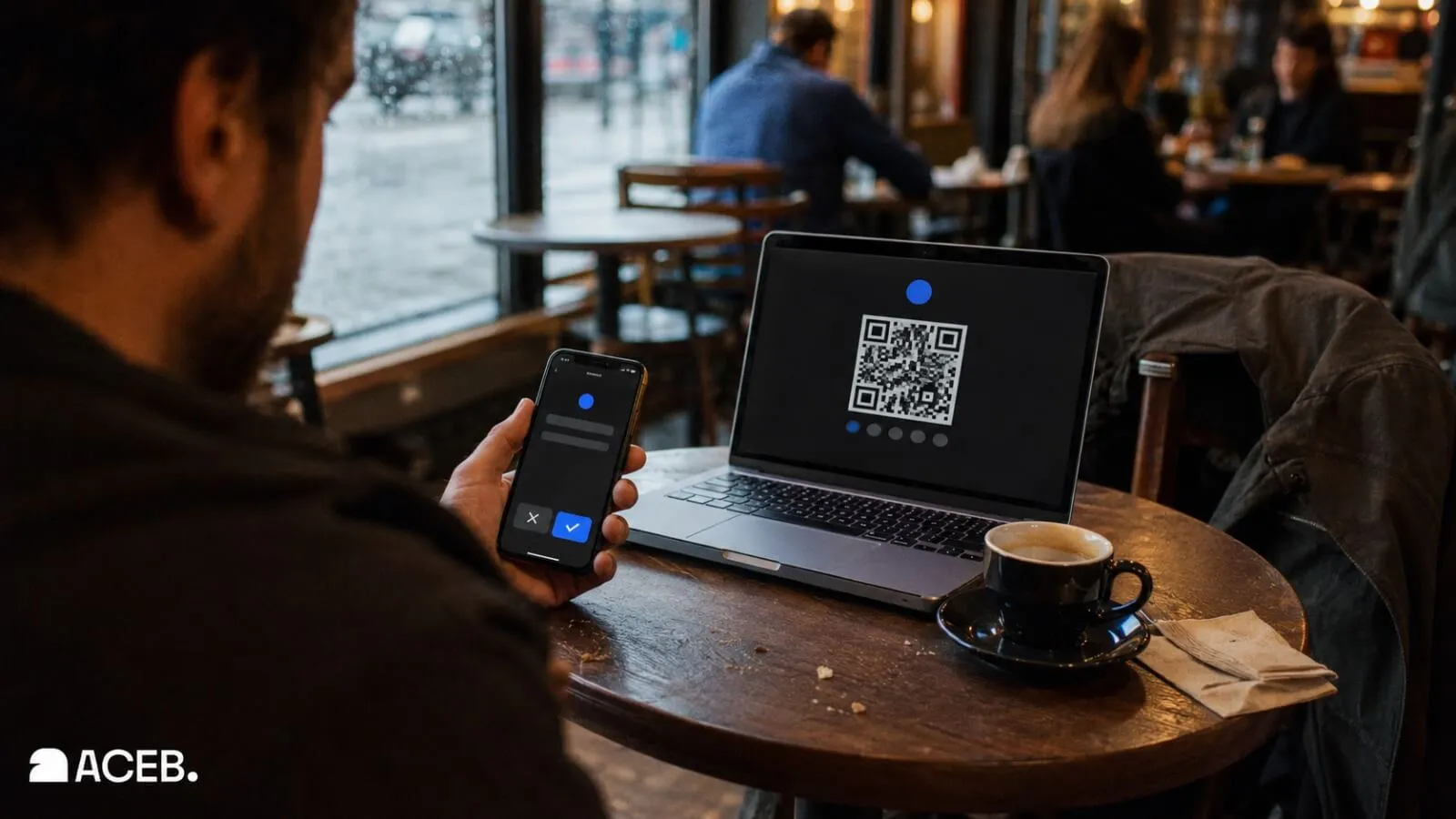
A WalletConnect QR code can make a crypto checkout look almost effortless, but connecting a wallet and approving a payment are separate actions. The wallet still displays the request and gives the user final control over transaction approval.
Key Takeaways
- WalletConnect links a wallet to an application; it does not replace the wallet.
- Connecting and sending a payment are separate approvals.
- QR and in-browser connection flows serve the same basic purpose.
- A legitimate connection or payment request never needs a recovery phrase or private key.
In This Guide
What WalletConnect Is — and What It Is Not
WalletConnect is connectivity infrastructure used by wallets and applications. A compatible wallet can use it to receive a connection proposal, establish a session and handle requests sent by the application. The wallet continues to hold or control the user’s blockchain keys according to that wallet’s own design.
This makes WalletConnect different from the three things people most often confuse it with. It is not the wallet holding the funds, it is not the cryptocurrency being spent and it is not the merchant processing the order.
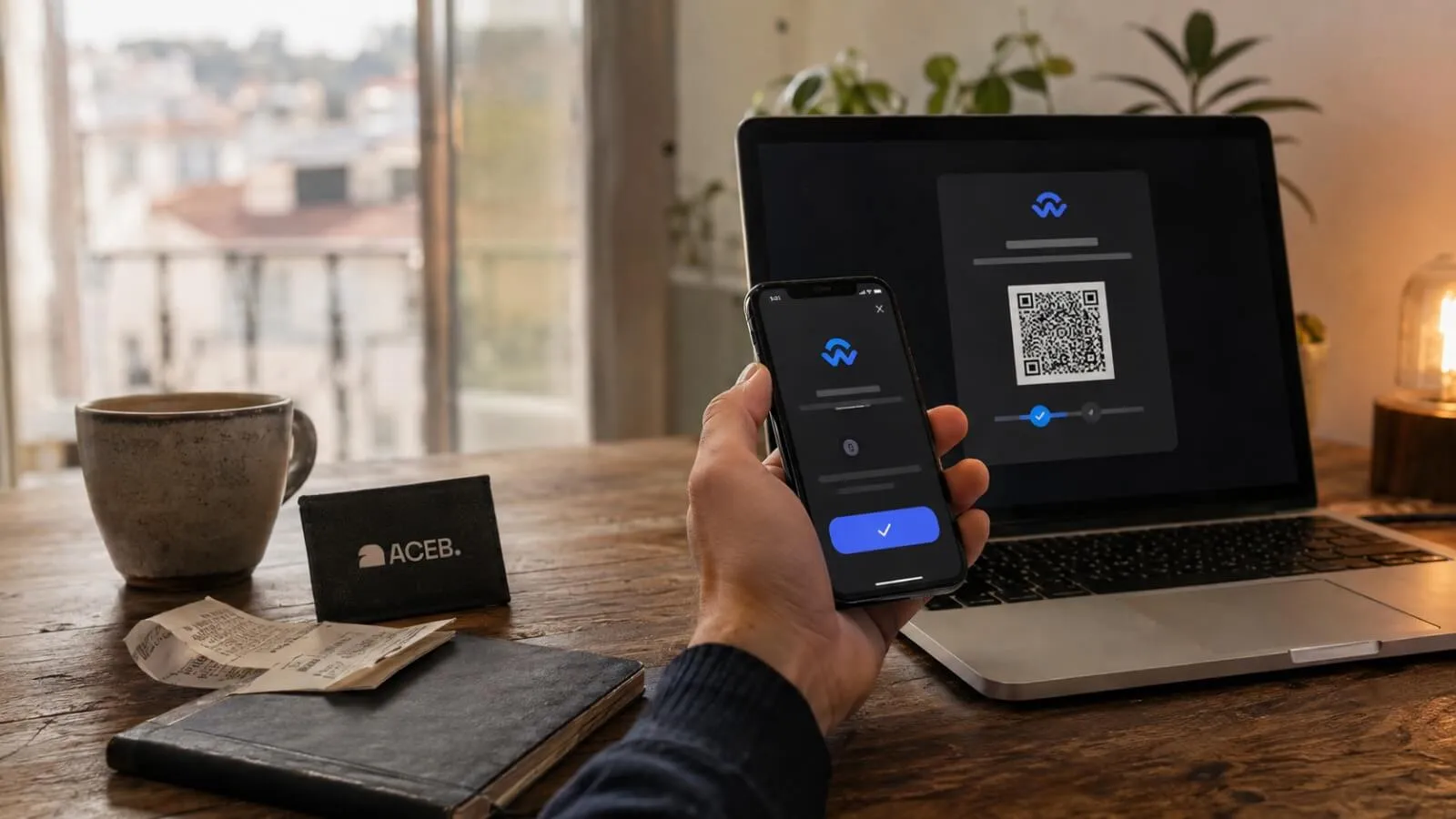
In practical terms, WalletConnect provides the connection layer, the compatible wallet displays and approves requests, the chosen cryptocurrency is the payment asset, and the selected blockchain carries the transaction.
The WalletConnect Network also has a native token called WCT. That does not mean a shopper selecting WalletConnect must pay with WCT. The payment asset and network are determined by the options offered for the current checkout and by the connected wallet’s eligibility and balance.
Connection Approval Is Not Transaction Approval
The most important WalletConnect distinction is between establishing a session and authorizing a transaction. The first allows two interfaces to communicate. The second can move funds when the user approves the displayed blockchain request.
Approve the connection
The wallet shows which application wants to connect, which account may be shared and which networks or permissions are requested. Approval creates the session but should not, by itself, transfer cryptocurrency.
Approve the transaction
The wallet displays a separate request containing transaction details. The user must review and authorize that request before it can be broadcast to the selected blockchain network.
CoinGate may request billing or compliance information before payment approval when required for the current transaction.
QR Code or In-Browser Connection?
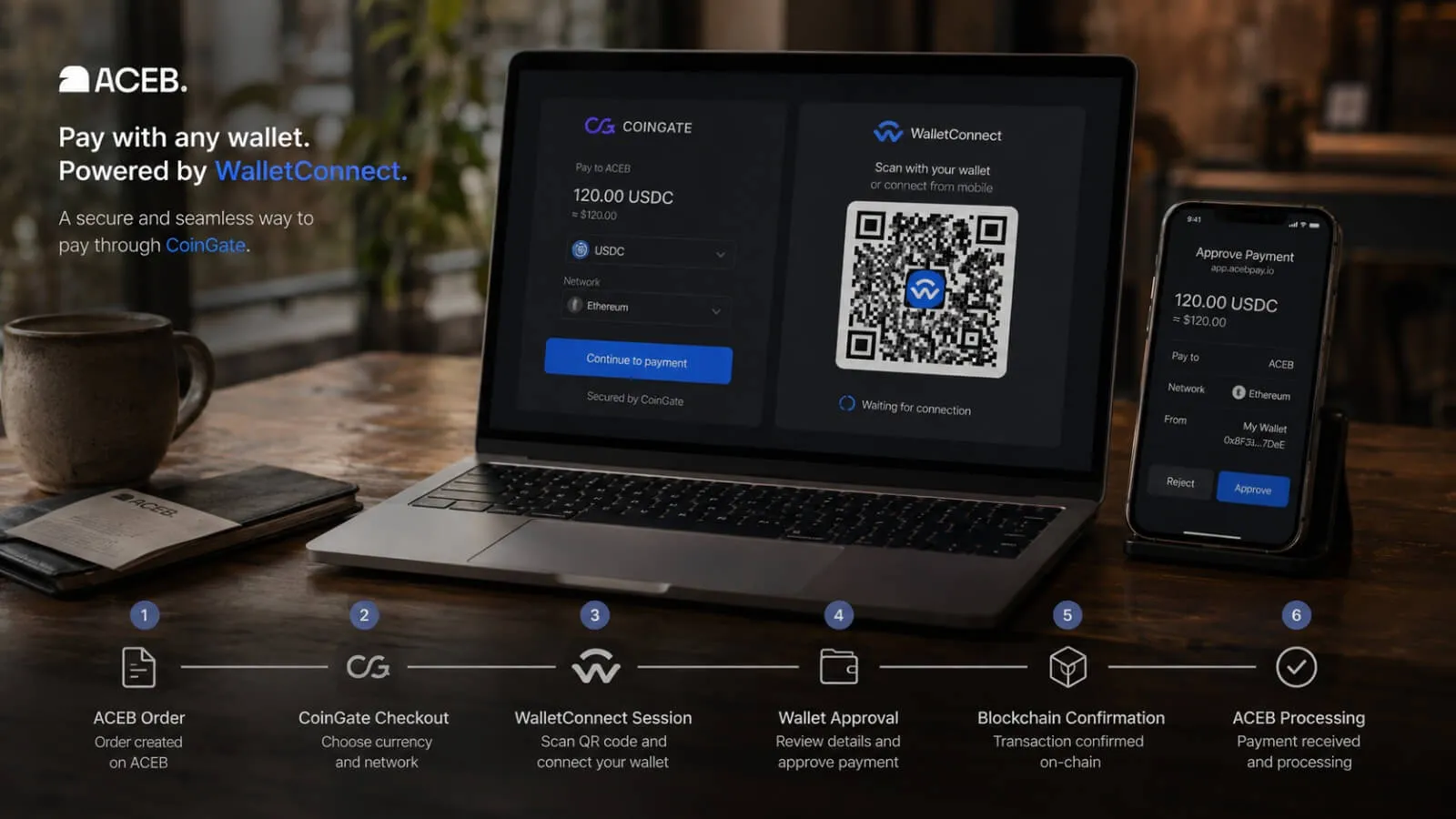
CoinGate documents two WalletConnect connection routes: a browser connection when supported and a QR code that can be scanned with a compatible mobile wallet. The better route depends mainly on where the checkout and wallet are open.
QR code connection
This route is useful when the checkout is open on a computer and the wallet is on a phone. Scan only the QR code generated by the active checkout, then verify the application shown inside the wallet.
In-browser connection
This route can work when the checkout and a compatible wallet are available on the same device. Confirm which wallet was selected and review any handoff to a wallet app or browser extension.
Neither route changes the need for transaction approval. The QR code initiates a connection; it is not a substitute for reviewing the payment request inside the wallet.
What to Review Before Approving the Payment
A wallet connection reduces the need to copy an address manually, but it does not remove the user’s responsibility to review the transaction. The wallet screen is the final checkpoint before signing.
Review the live request, not an earlier screenshot
- Application or merchant context: the request should follow the active ACEB and CoinGate checkout you initiated.
- Connected account: confirm that the intended wallet account is selected.
- Asset and network: use only the cryptocurrency and network shown for the current request.
- Amount: compare the final amount with the checkout before approval.
- Network or wallet charges: review any fee shown by the wallet before signing.
- Request type: reject permissions or contract interactions that do not match the payment you intended to make.
If the details are unexpected, cancelling the request is safer than approving it and trying to reverse the result later. Confirmed blockchain transactions are generally irreversible.
Why WalletConnect May Not Connect or Show the Expected Option
A missing wallet or failed session does not always mean the checkout itself is broken. Compatibility depends on the current device, browser, wallet version, available account, network and payment configuration.
WalletConnect is not listed
The payment methods available can vary by order, account and current provider conditions. Use the options displayed for the active checkout rather than relying on an older guide or screenshot.
The QR code does not open the wallet
Use the WalletConnect scanner inside the compatible wallet rather than a general camera app when required. An expired checkout session may also need a new QR code.
The wallet is missing from the selector
The wallet may not support the required connection flow on that device or version. Update the wallet and browser, or use another compatible option offered by the live connection screen.
The expected asset is unavailable
The asset can be filtered by the connected account, wallet balance, supported network, region or payment configuration. Do not force a manual transfer outside the displayed route.
The wrong account connected
Disconnect the session, select the intended account inside the wallet and start a fresh connection from the active checkout.
The request expired
Return to the order and create a current payment request. Do not reuse an expired QR code, invoice or transaction request.
WalletConnect Security: Know the Boundary
WalletConnect’s network documentation describes encrypted communication between wallets and applications. CoinGate also states that transaction signing happens inside the wallet and that private keys are not exposed to CoinGate during this flow.
That architecture does not make every QR code, website or request automatically trustworthy. WalletConnect Verify can help participating wallets display Domain Match, Unverified, Mismatch or Threat signals, but WalletConnect’s documentation says Verify is not a bulletproof guarantee.
- Start from the official ACEB order and continue only through the payment page opened for that order.
- Read any domain or risk warning displayed by the wallet instead of dismissing it automatically.
- Reject an unexpected account, permission, asset, network, amount or contract interaction.
- After finishing, review active wallet sessions and disconnect those you no longer need.
- Never send a full code, private key, recovery phrase or sensitive wallet screenshot to someone offering “verification.”
Where WalletConnect Fits on ACEB
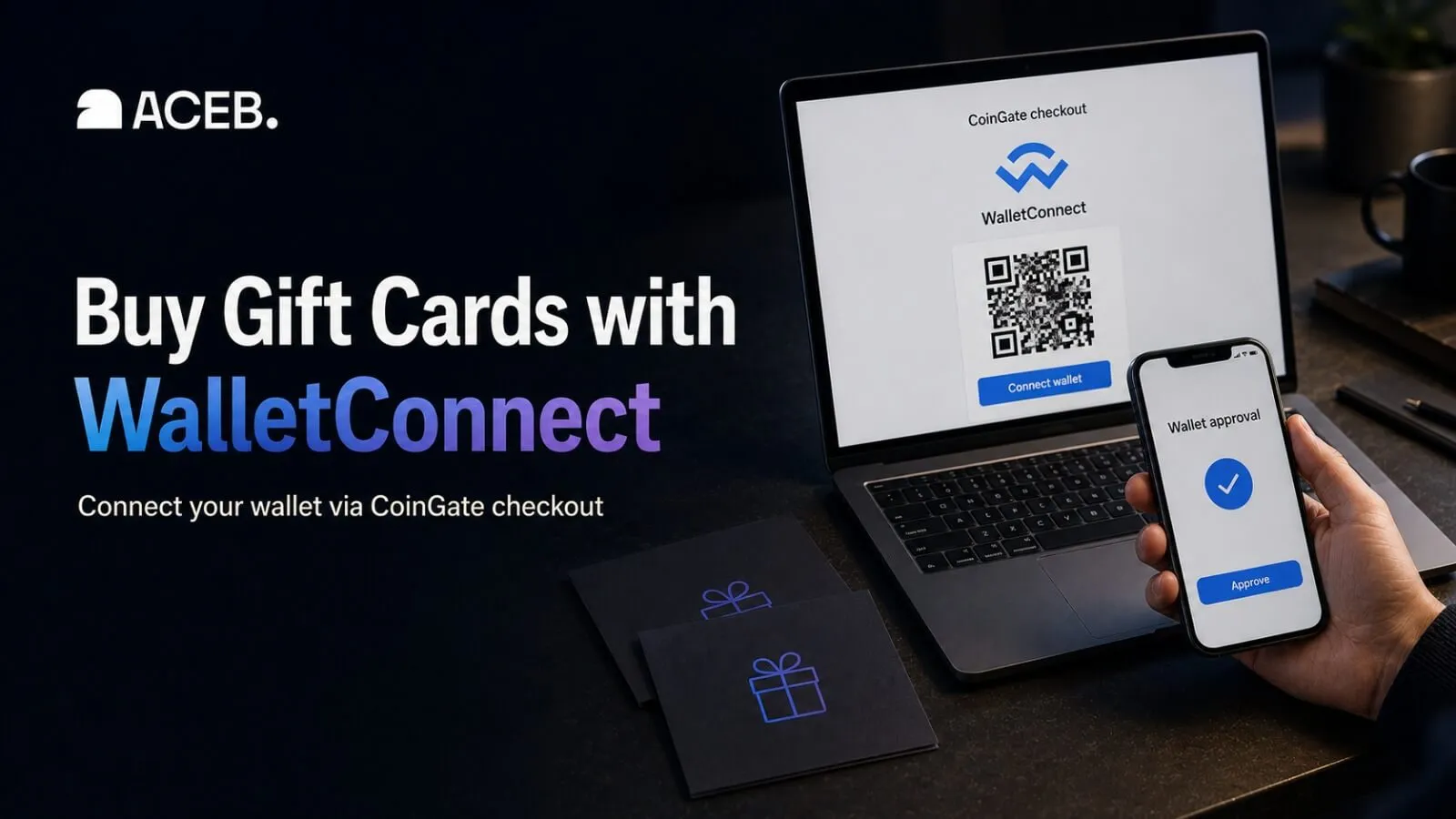
On ACEB, WalletConnect is not a direct standalone payment switch. It is available through CoinGate after the shopper enters the crypto checkout, when the option is offered for the current order. CoinGate handles the payment interface; WalletConnect links that interface to the compatible wallet; ACEB processes the order after payment confirmation.
This article explains the connection model and approval boundaries. For the current ACEB-specific checkout summary, see how to pay with WalletConnect on ACEB.
Sources and Editorial Trust
This guide separates the general WalletConnect protocol from the specific ACEB payment route. Current checkout availability should always be confirmed during the live order.
- WalletConnect Network documentation — network roles, encrypted communication and wallet-to-application connectivity.
- WalletConnect Verify documentation — domain validation states and security limitations.
- WalletConnect WCT documentation — the role of WCT in the WalletConnect Network.
- CoinGate WalletConnect integration — QR and browser connection routes.
- CoinGate invoice payment guide — checkout, verification and payment-confirmation stages.
- ACEB FAQ, Return Policy and Support — current ACEB order and customer-service information.
Choose the Right Gift Card, Then Connect Your Wallet
Check the product’s country, currency and redemption rules, then continue to CoinGate and approve the payment in your wallet.
Browse Gift Cards →Editorial and trademark note: Wallet, asset, network, payment-method and regional availability can change. Follow the live ACEB product page, CoinGate checkout and wallet request for each order. WalletConnect, CoinGate and related names belong to their respective owners. References do not imply sponsorship or endorsement.
Frequently Asked Questions
Is WalletConnect an app I need to download?
Why does my wallet show a domain warning?
Why is CoinGate asking for billing or compliance information?
Should I disconnect WalletConnect after the payment?