

Why Your Gift Card Order Is Pending After a SEPA Transfer
A SEPA transfer can leave your bank before the associated gift card order is approved. Learn the difference between sent, received, matched and manually approved—and what to check safely while an ACEB order is pending.
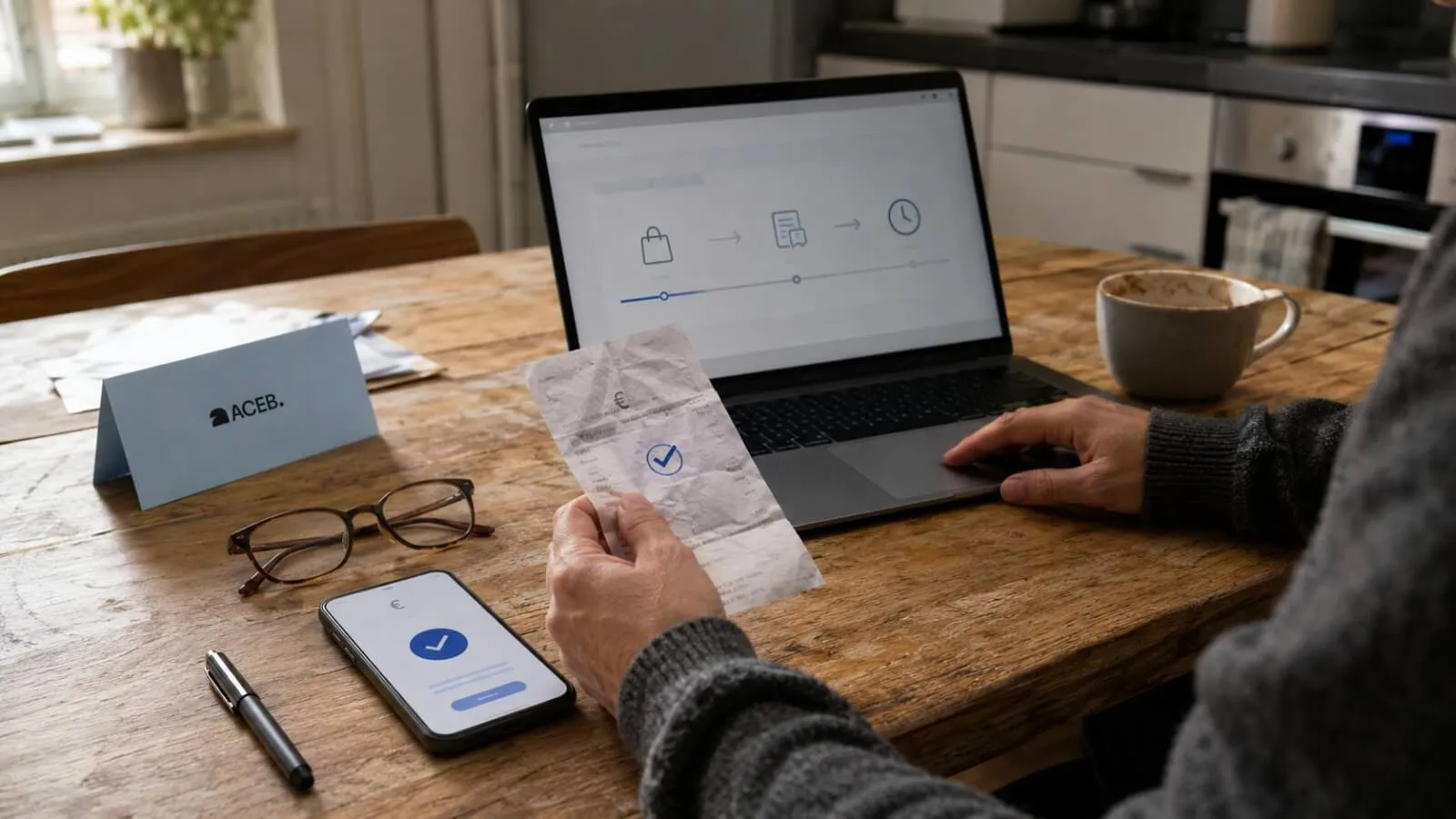
“Sent” feels final inside a banking app. For a merchant, however, it is only the beginning of a chain that includes bank processing, receipt, payment matching, manual review and digital order fulfilment.
Key Takeaways
- “Sent” at the payer’s bank does not mean “approved” by ACEB.
- SEPA Instant speed and merchant review speed are separate.
- The exact amount and payment reference help match funds to an order.
- A duplicate transfer is not a safe way to solve a pending status.
In This Guide
Why “Transfer Sent” and “Order Pending” Can Both Be Correct
A banking app reports what has happened inside the payer’s payment service. ACEB reports what has happened to the associated order. Because the two systems observe different events, their status labels do not have to change at the same moment.
The transfer may have been accepted by the sender’s bank but not yet credited to the beneficiary. It may have arrived but still need to be identified by amount and reference. Even after it is matched, ACEB reviews the received payment before approving and processing the digital gift card order.
These labels explain the operational sequence; the wording visible in a particular banking app or ACEB account may differ.
Standard SEPA and SEPA Instant Do Not Create the Same Timeline
SEPA Credit Transfer and SEPA Instant Credit Transfer both move euro funds within the SEPA framework, but they are not the same service. The route used depends on the sending and receiving payment providers, the account, the instruction and current service availability.
SEPA Credit Transfer
A conventional SEPA transfer follows banking-business-day processing, cut-off and execution rules. A transfer created in the evening, around a weekend or near a bank holiday may not move on the timeline a shopper expects from an instant payment.
SEPA Instant Credit Transfer
The current EPC scheme operates 24/7/365 and gives the payment chain a maximum of nine seconds to make the funds available. That covers the banking stage—not automatic ACEB order approval.
Availability for a particular instant payment can still depend on the type of payment provider, the sending account, beneficiary reachability, planned maintenance and transaction-specific controls. Follow the final status shown by the bank rather than assuming an unsuccessful instant instruction will continue as a standard transfer.
Why the Exact Amount and Payment Reference Matter
A bank transfer does not carry the same native order context as a card checkout. ACEB must connect incoming funds with the correct account and order. The payment reference and exact amount shown for the current order are therefore operational identifiers, not decorative notes.
A missing, shortened or altered reference can make an otherwise successful transfer harder to match. Sending a different EUR amount can create the same problem. Under the SEPA Credit Transfer scheme, the original instructed amount is transferred without deductions; any fee charged by the customer’s payment provider is handled separately. If the payer uses a non-EUR account, confirm that the transfer instruction itself is for the exact EUR amount shown by ACEB.
A payer name that differs from the ACEB account holder may require additional verification and should not be assumed to be automatically acceptable. Follow the current order instructions and contact support before paying from another person’s or company’s account.
Common Reasons an Order Remains Pending
A pending status is not a diagnosis by itself. It means the order has not yet reached the approved and processed stage. These are the most common points to review before assuming the transfer failed.
The transfer is scheduled
Some banking apps show an instruction as created or sent even when the execution date is later. Check the value or execution date, not only the notification.
Standard SEPA was used
The transfer may be moving through the standard business-day route rather than SEPA Instant, particularly outside ordinary processing windows.
The reference is incomplete
A missing or changed reference can prevent automatic or manual matching to the expected ACEB order.
The instructed EUR amount differs
If the transfer was entered for a different EUR amount from the order total, matching can be delayed. Under the SCT scheme, the original instructed amount should arrive without deductions; sender-side fees or currency conversion are normally handled separately.
The payer name is different
A transfer from another person or company may require additional verification and should not be assumed to be automatically acceptable.
Manual review is still open
The money can already be present while ACEB is verifying the transfer and preparing the order for approval.
What to Check Without Creating a Second Problem
Start with the payment receipt and the current ACEB order. Compare the beneficiary, IBAN, amount, currency, reference, execution date and payer name. A screenshot that says only “sent” is less useful than a receipt containing the complete transaction details.
- Confirm that the transfer was made in EUR using the instructions for the current order.
- Check whether the banking app says completed, executed, scheduled, processing or rejected.
- Verify the exact payment reference character by character.
- Confirm that the transfer instruction itself was entered for the exact EUR amount shown by ACEB, even when the payer’s account uses another currency.
- Keep the bank transaction ID or payment receipt available for support.

When to Contact ACEB Support
Contact support when the bank shows the transfer as completed but the order remains pending beyond the timing stated in the live order or SEPA payment page. If no specific estimate is displayed, contact support rather than sending another transfer. If the transfer was already authorised with an incorrect beneficiary or IBAN, contact your bank immediately and notify ACEB. If the beneficiary was correct but the amount, currency or reference differs from the order, contact ACEB before sending anything else.
Include the ACEB order number, transfer date, exact amount, payer name, payment reference and bank transaction identifier. Share a receipt only after hiding unrelated account balances and transactions. Never send online-banking credentials, card credentials or security codes.
For the current ACEB bank-transfer method, account requirement and checkout wording, consult the dedicated SEPA payment page. This troubleshooting article intentionally does not reproduce its full buying flow.
Sources and Editorial Trust
This guide distinguishes the banking rail from ACEB’s payment-matching and order-review process. Bank interfaces and transaction labels vary, so the live order and bank receipt remain the authoritative records for a specific payment.
- European Payments Council — SEPA Instant Credit Transfer — execution time, availability and scheme characteristics.
- European Payments Council — current SEPA Credit Transfer Rulebook — SCT processing, amount and exception framework.
- ACEB SEPA payment page, FAQ and Support — current ACEB account, review and order information.
Still Waiting for the Transfer to Be Matched?
Check the receipt and current order details first. If the bank shows the transfer as completed and the order remains pending, contact ACEB with the order number and payment receipt.
Contact ACEB Support →Editorial note: Bank-transfer availability, fees, execution times, status labels and review times can vary. This article explains the general distinction between transfer and order status; it is not a guarantee of processing time or financial advice. Follow the live ACEB order instructions and contact your bank or ACEB support when a specific transaction requires investigation.
Frequently Asked Questions
Does sent mean ACEB has received the transfer?
Why is an order pending after a SEPA Instant transfer?
Should I send another transfer if the first one appears delayed?
What proof should I keep for support?