
How to Buy Games with Gift Cards — and Survive Long Enough to Win in PUBG
Discover how to buy games with digital Steam gift cards using cryptocurrency, then improve your PUBG performance with practical landing, looting, movement, combat and late-game strategies designed for new and returning players.
There is a very specific kind of confidence that appears five seconds before a bad decision in PUBG.
You land in the busiest part of the map because the loot will be “better,” pick up a frying pan while everyone around you finds assault rifles, hear footsteps on three different floors and suddenly realise that your carefully planned strategy has become hiding inside a bathroom while somebody outside reloads with extremely unfriendly intentions.
That is part of PUBG’s appeal. Every match begins with the same promise and ends with a completely different story, because the game combines tactical movement, weapon control, map knowledge, positioning and the occasional moment of pure panic into one of the most recognisable battle royale experiences on Steam. PUBG: BATTLEGROUNDS is free to play, but Steam Wallet credit can still be useful for eligible in-game content, other paid games, downloadable content and future purchases across the Steam store.
For crypto users, digital Steam gift cards create a simple bridge between a cryptocurrency wallet and the games, add-ons and digital content available through Steam. Instead of converting crypto into traditional currency, transferring it to a bank and then paying again through another checkout, you can purchase a compatible Steam gift card through ACEB, redeem the code and use the balance according to Steam’s regional and account rules. ACEB currently offers regional and worldwide Steam gift card options, with digital delivery after payment confirmation.
So, before we explain how to stay alive in PUBG, let us first solve the problem every gamer eventually faces:
How to Buy Steam Games with Gift Cards
A Steam gift card adds credit to your Steam Wallet, which can then be used for eligible purchases available through the Steam store. Depending on your region, account currency and product availability, that may include full games, downloadable content, software or selected in-game purchases.
The process is straightforward:
- Choose a Steam gift card that matches your Steam account’s country and currency.
- Select a denomination that covers the purchase you are planning.
- Pay with a supported cryptocurrency through ACEB.
- Receive the digital gift card code by email after payment confirmation.
- Sign in to Steam and redeem the wallet code.
- Use the available Steam Wallet balance toward your chosen purchase.
ACEB’s Steam gift card collection provides access to regional digital wallet codes, while the wider gaming catalogue includes Steam, PlayStation, Xbox, Roblox and other digital gaming products.
Explore Steam Gift Cards on ACEB.
The regional rule you should never ignore
A Steam gift card is not something you should buy based only on the value printed on the product.
The region and currency matter.
A card intended for one market may not be compatible with an account registered in another country, so always confirm the product region, denomination and redemption terms before completing the order. Choose the listing that matches the country and currency of the Steam account that will redeem it.
That ten-second check is much easier than explaining to support why you bought the perfect card for the wrong country.
Can You Buy PUBG with a Steam Gift Card?
PUBG: BATTLEGROUNDS itself is free to play on Steam, which means you do not need to purchase the base game before entering a match. The game is built around looting, survival, tactical combat and an increasingly dangerous play zone.
However, Steam Wallet balance may still be useful for eligible PUBG-related content or for purchasing another game after PUBG reminds you that your tactical confidence is significantly higher than your survival rate.
A Steam gift card is therefore useful not only for one title, but as flexible gaming credit that remains available in your wallet until you decide what to buy.
You might use it for:
- eligible PUBG content;
- another multiplayer game for your squad;
- downloadable content;
- a discounted game during a Steam sale;
- a gift for a friend who keeps saying they have “nothing to play” while owning 187 games.
Why PUBG Is Still So Addictive
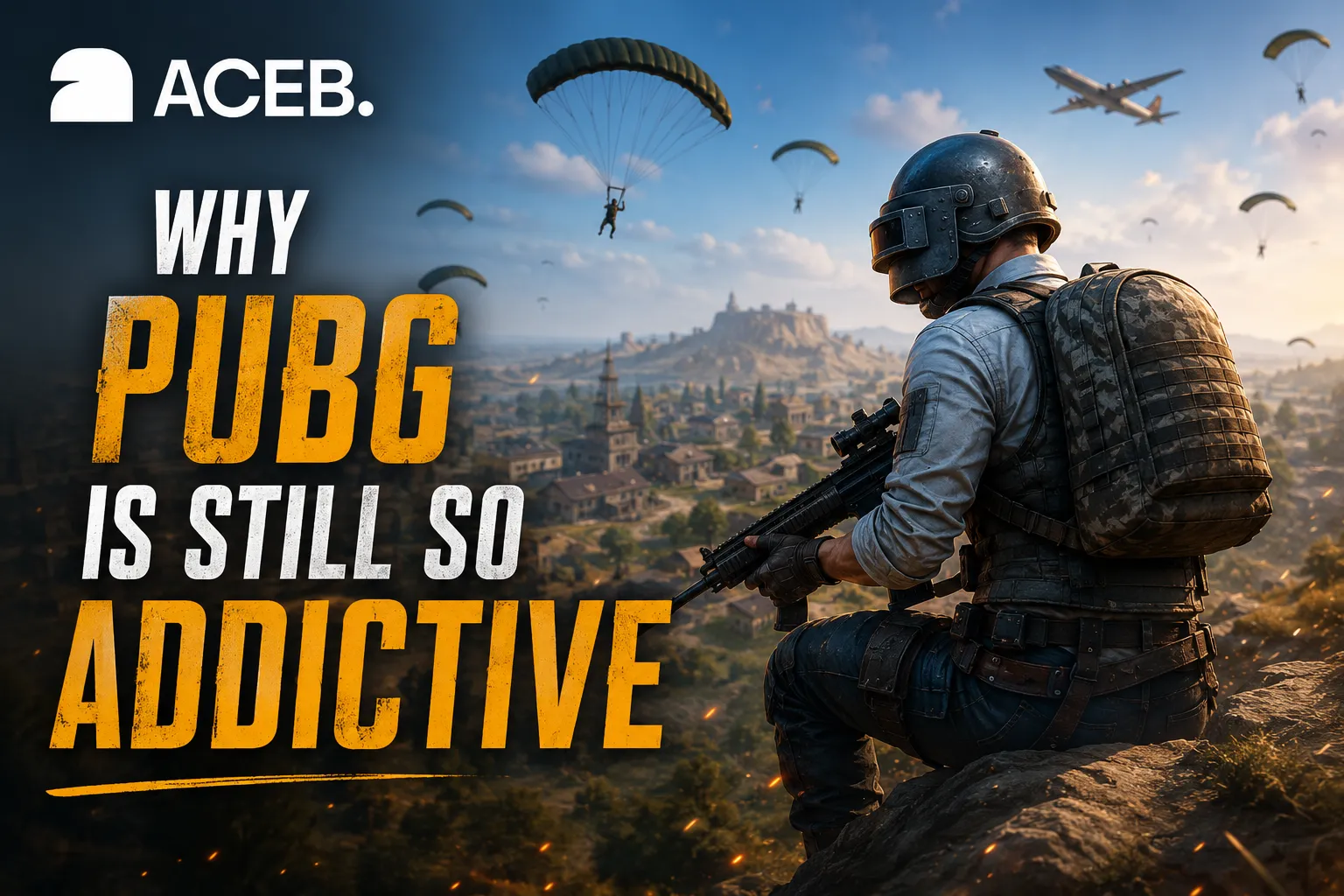
PUBG works because it creates tension before the first shot is fired.
The aircraft route changes the opening possibilities. The landing location determines your early risk. The first weapon you find can completely alter your plan, while the safe zone forces movement and prevents players from staying comfortable forever.
Every decision has a cost.
A quiet location offers safer looting but may leave you under-equipped. A city can provide better supplies but attract half the lobby. Driving gives you speed but announces your location. Fighting can improve your equipment, yet every gunshot becomes an invitation for another squad to join the conversation.
Diverse maps, unique weapons, unpredictable encounters and the shrinking play zone ensure that no two matches feel exactly the same. Basic Training can also help newer players understand movement, equipment, combat and survival before entering more competitive matches.
PUBG Tip 1: Choose Your Landing Based on Your Goal
New players often choose landing locations for the wrong reason.
They either jump into the hottest area because streamers make it look easy, or land so far away that the first ten minutes become a hiking simulator.
A better approach is to decide what you want from the match.
Choose a busy location when you want to practise close-range combat and become comfortable fighting immediately. Choose a medium-risk town when you want a balance between loot and survival. Choose quieter areas when you want to practise rotations, positioning and late-game decision-making.
The goal is not to avoid combat forever. The goal is to reach combat prepared enough to learn from it.
A new player who survives fifteen minutes, rotates intelligently and loses a fair fight often improves faster than a player who hot-drops ten times and spends most of the evening staring at the loading screen.
PUBG Tip 2: Stop Looting Before the Game Forces You to Stop
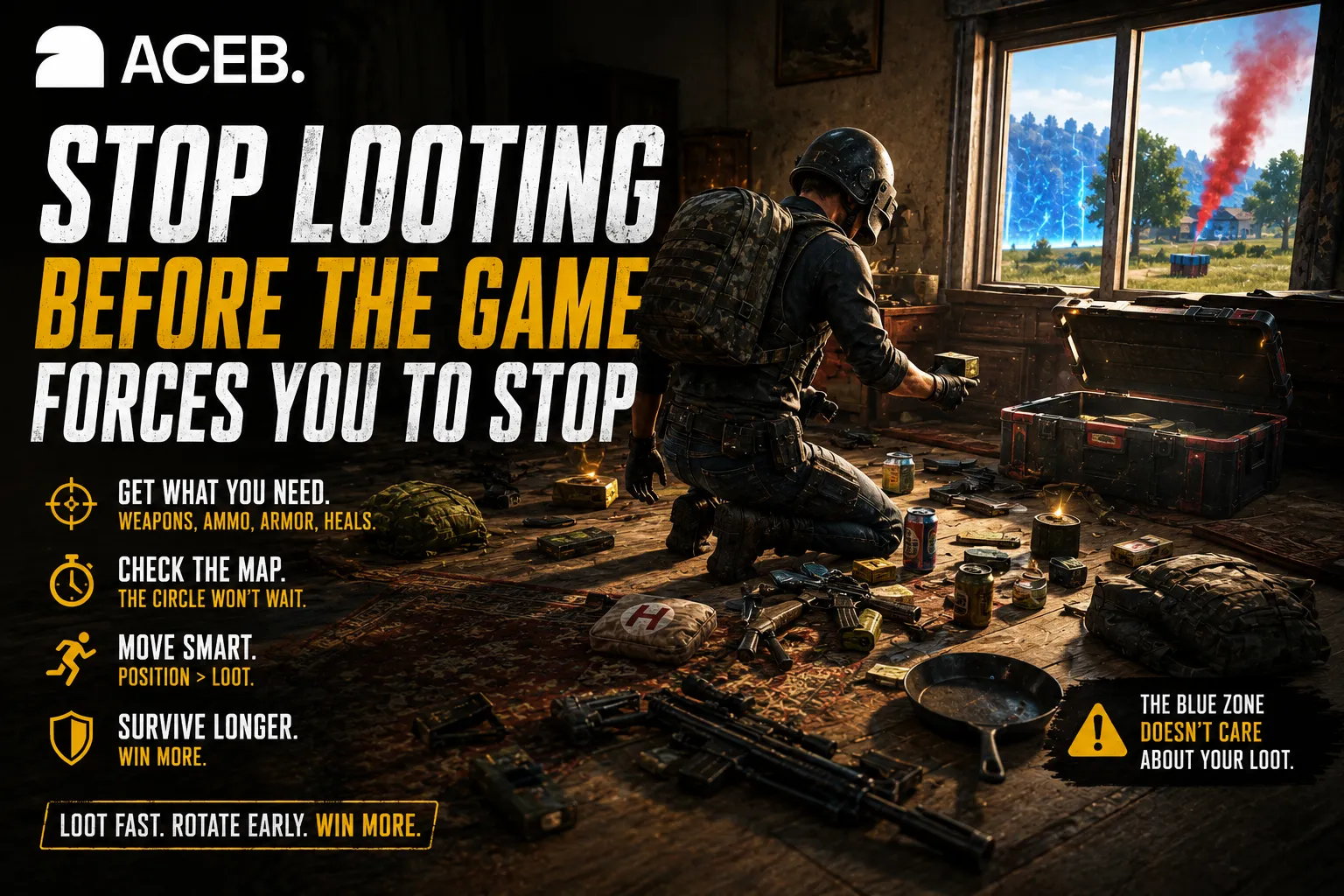
Looting feels productive because every open door offers the possibility of a better weapon, more ammunition or the attachment that finally makes your rifle feel complete.
The problem is that looting has no natural ending.
There is always another building, another crate and one teammate who says, “Just one second,” while the blue zone is already removing that second directly from their health bar.
Create a simple priority list:
- one reliable close- or medium-range weapon;
- one weapon suitable for longer engagements;
- enough ammunition for a proper fight;
- armour and a helmet;
- healing items;
- useful throwables;
- only the attachments that meaningfully improve your loadout.
Once you have enough to fight, start moving.
The player with slightly worse equipment and better positioning often defeats the player with perfect attachments who arrives late, exhausted and exposed.
PUBG Tip 3: Learn One Recoil Pattern at a Time
PUBG rewards weapon familiarity.
Switching constantly between every rifle in the game can slow improvement because each weapon behaves differently under sustained fire. Choose one or two commonly available guns and learn how they respond when firing at short, medium and longer ranges.
Practise:
- short bursts at medium distance;
- controlled automatic fire at close range;
- crouching before shooting when the situation allows;
- pulling the aim downward smoothly rather than aggressively;
- understanding when single fire is more reliable than spraying.
Do not measure progress only by kills.
Measure whether your first shots are closer to the target, whether you waste less ammunition and whether you remain calm enough to correct the spray instead of drawing a perfect outline around the enemy.
PUBG Tip 4: Sound Is Information
A surprising number of PUBG fights are decided before either player appears on screen.
Footsteps, doors, vehicles, reloads and gunfire reveal distance, direction and intent. Good players do not simply hear sounds; they use them to build a picture of what is happening nearby.
When you hear movement inside a building, avoid rushing immediately.
Ask yourself:
- Is the enemy above or below?
- Did they stop moving because they heard me?
- Is there another exit?
- Are they alone?
- Is a second team approaching because of the gunfire?
Move only when the information supports the decision.
Sometimes the strongest play is not entering the room. It is holding the exit and allowing the opponent to make the dangerous move for you.
PUBG Tip 5: The Circle Is Part of the Enemy Team
Many players treat the safe zone as a background mechanic until it becomes the reason they lose.
Check the map early, identify your route and estimate how long looting, healing or fighting will delay you.
A late rotation often forces you into predictable paths, exposed terrain and crowded edges where other players are already waiting. Rotating earlier gives you more control over your entry into the next zone and more time to find cover.
The strongest position is not always the exact centre.
A good position offers:
- hard cover;
- useful visibility;
- multiple escape routes;
- manageable angles;
- distance from exposed roads and open fields;
- room to react when the next circle appears.
Do not run directly toward the centre without thinking. Sometimes the safer edge provides better information and fewer directions from which enemies can attack.
PUBG Tip 6: Use Vehicles, but Respect the Noise
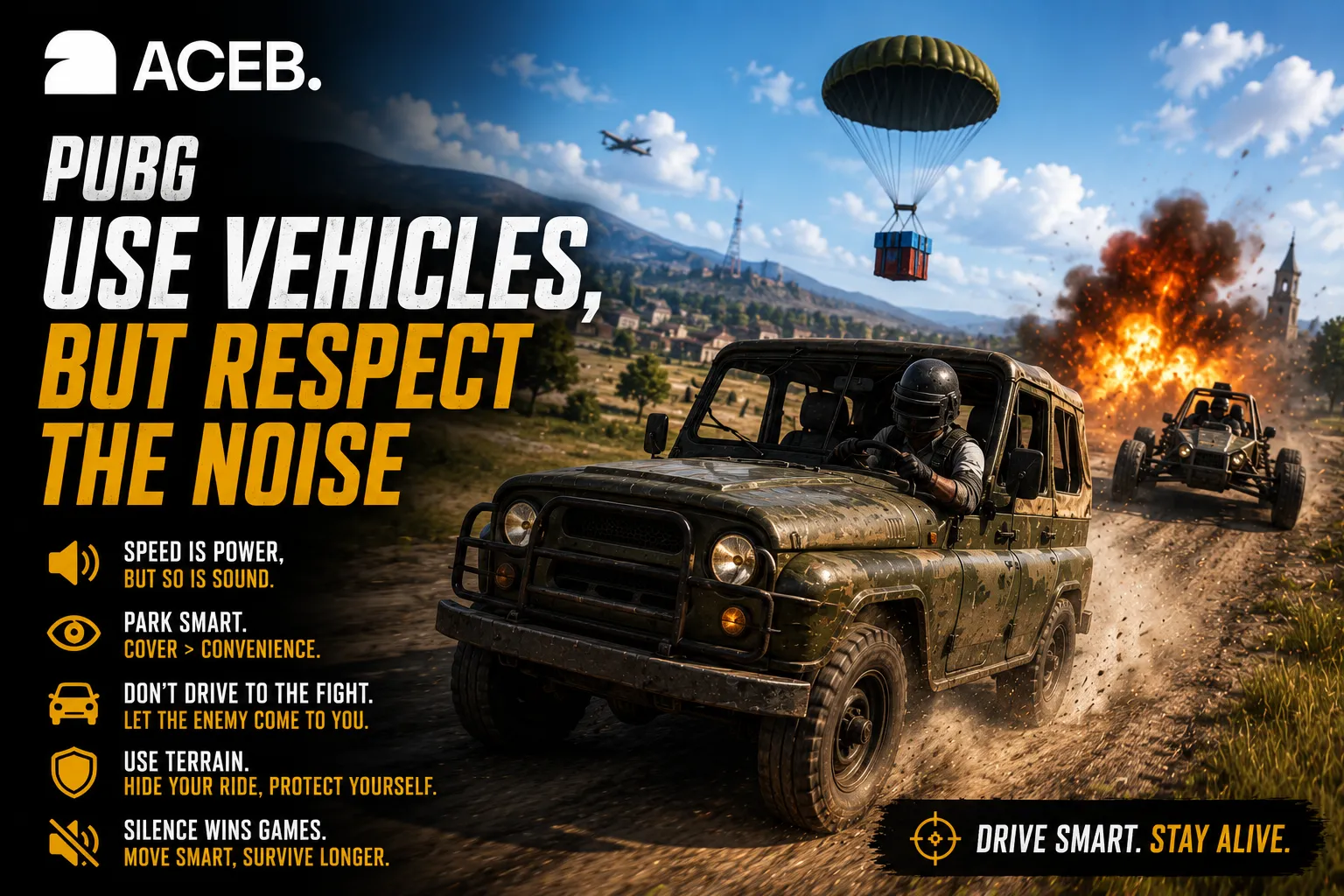
Vehicles solve one problem and create several new ones.
They help you cross long distances, escape the zone and reach strong positions before other teams. They also make you loud, visible and easy to track.
Avoid driving directly to the exact building where you want to hide unless you are comfortable announcing your arrival.
Park behind cover, use terrain to conceal the vehicle and approach important positions carefully. In the late game, a vehicle can also become emergency cover, although it should never be treated as permanently safe.
A car is transportation. Sometimes it is cover. Occasionally it is an explosive message from another squad reminding you that parking choices matter.
PUBG Tip 7: Carry More Smoke Grenades
New players often prioritise ammunition over utility until they reach an open field with no cover and understand exactly why experienced players collect smoke grenades.
Smoke can help you:
- revive a teammate;
- cross exposed ground;
- retrieve supplies;
- break an enemy’s line of sight;
- create uncertainty;
- escape a bad position;
- force opponents to guess your movement.
One smoke grenade creates cover. Several smoke grenades create options.
In squad play, agree on who carries utility and make sure more than one player has smoke available. The teammate who gets knocked is usually not in a position to admire how many grenades they personally carried.
PUBG Tip 8: Do Not Take Every Fight
Seeing an enemy does not automatically mean you should shoot.
Before firing, consider:
- Do you have cover?
- Can you finish the fight quickly?
- Is the enemy moving toward a better position?
- Will the gunfire attract another team?
- Are you inside the next safe zone?
- Do you know where the rest of their squad is?
- Can you escape if the engagement goes badly?
Sometimes allowing an enemy to move gives you a clearer shot later. Sometimes waiting lets two teams fight each other. Sometimes the correct strategy is simply refusing to begin a battle that offers no meaningful advantage.
A knock that cannot be converted into an elimination may reveal your position without improving it.
PUBG Tip 9: In Squads, Information Must Be Short and Useful
Good communication does not mean narrating your entire emotional experience.
Instead of saying, “There is someone over there near that thing beside the building,” communicate direction, distance and movement.
Useful callouts sound like:
- “Two enemies, northwest, 150 metres, moving left.”
- “One upstairs, second room.”
- “Vehicle approaching from south.”
- “I am smoking the revive.”
- “Do not push; another squad is behind them.”
Avoid shouting continuously after being knocked.
Your teammates need information, not a live dramatic reconstruction of the moment you were betrayed by a window.
PUBG Tip 10: Play the Final Circle Differently
The final stages reward discipline.
Movement becomes more visible, sound becomes more valuable and every unnecessary shot can reveal your position to the remaining players.
In the late game:
- avoid exposing yourself without a reason;
- track how many opponents remain;
- remember where previous shots came from;
- keep throwables ready;
- move with the zone rather than reacting too late;
- preserve cover for the next phase;
- let other players reveal themselves first when possible.
Do not celebrate a knock too early, stand still while looting or assume the final enemy is in the obvious place.
The last opponent has probably spent the previous several minutes doing exactly what you are doing: listening, waiting and wondering who will make the first terrible decision.
The Best PUBG Strategy for Beginners
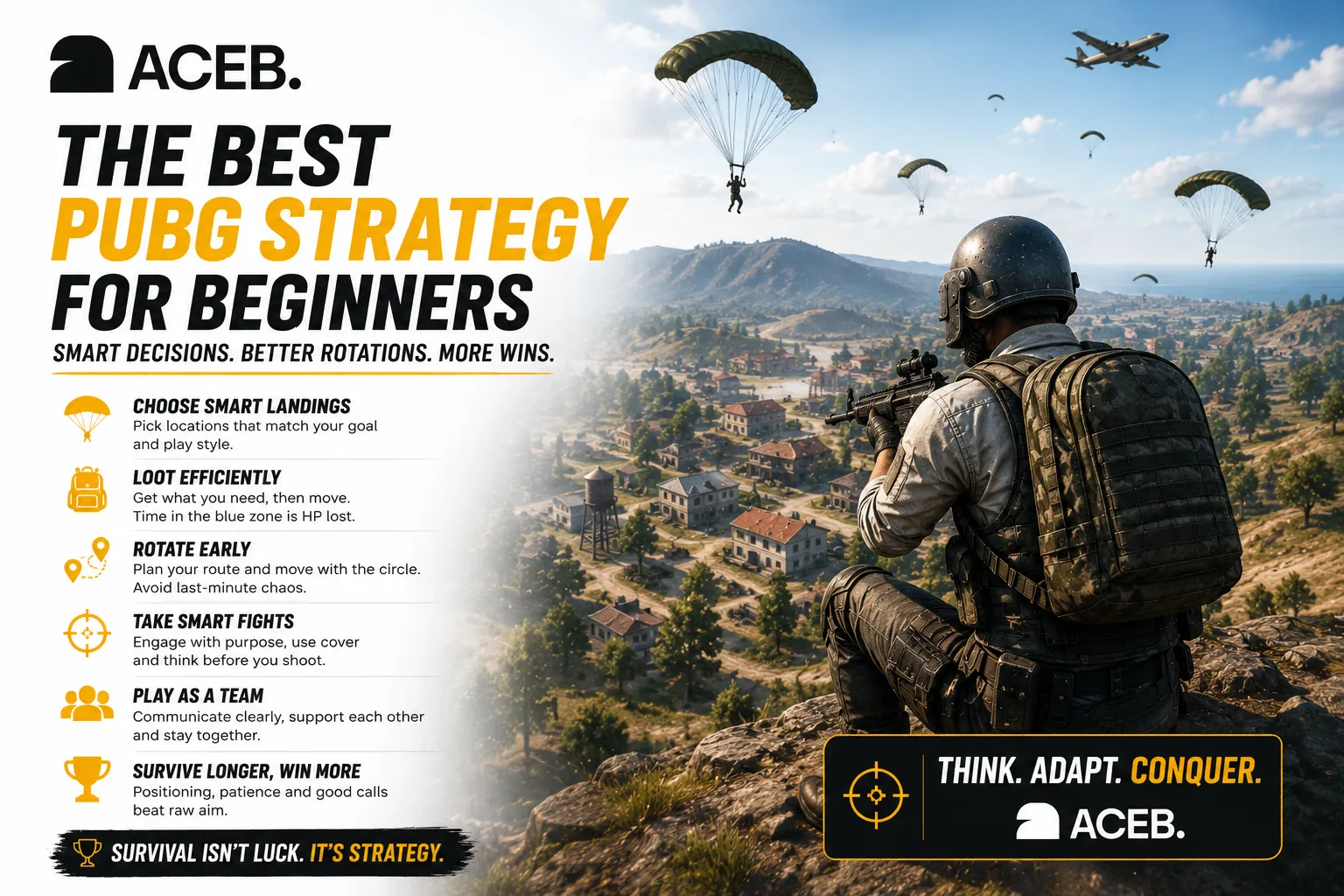
The best beginner strategy is not hiding for an entire match, and it is not repeatedly landing in the most dangerous location.
It is controlled exposure.
Choose locations where combat is possible but not guaranteed immediately. Loot efficiently, rotate early, take fights from cover and review why you lost.
After each match, ask:
- Did I hear the enemy before seeing them?
- Was I exposed?
- Did I rotate too late?
- Did I reload at the wrong time?
- Did I shoot before understanding the situation?
- Did I stay too long after winning a fight?
- Did I have smoke or cover available?
Improvement becomes faster when each death answers a question. Otherwise, you simply return to the lobby with the same habits and a growing suspicion that every opponent has better internet.
How Steam Gift Cards Make Gaming Easier
Digital Steam gift cards are useful because they separate the payment decision from the game decision.
You can add wallet credit when it suits you, then wait for the right game, discount or piece of eligible content. ACEB lists Steam gift cards alongside hundreds of digital gaming options and delivers codes electronically after the crypto payment is confirmed.
This makes Steam gift cards useful for:
- buying a game during a sale;
- giving a gamer freedom to choose;
- controlling a fixed gaming budget;
- using supported cryptocurrency without first withdrawing to a bank;
- purchasing eligible digital content from a compatible regional account.
You can explore the Steam Gift Cards collection on ACEB.com, select the correct regional product and turn part of your crypto balance into Steam Wallet credit.
Frequently Asked Questions
Is PUBG free on Steam?
Yes. PUBG: BATTLEGROUNDS is available as a free-to-play game on Steam, so players can download the base game without purchasing it first.
Can I use a Steam gift card for PUBG?
A compatible Steam gift card adds funds to your Steam Wallet. That balance may be used for eligible Steam purchases, including supported PUBG-related content or other games, subject to Steam’s current rules and regional availability.
Can I buy Steam gift cards with crypto?
Yes. ACEB offers digital Steam gift cards that can be purchased with supported cryptocurrency and delivered by email after payment confirmation.
Which Steam gift card should I buy?
Choose a card that matches your Steam account’s country and currency. Regional compatibility should always be checked before purchasing or redeeming the code.
What is the most important PUBG tip for beginners?
Rotate early, use hard cover and avoid taking fights without a clear advantage. Mechanical aim matters, but positioning and timing often decide an engagement before the first shot is fired.
Final Drop: Buy Smarter, Play Smarter
Buying games with gift cards should be the easy part.
The difficult part should be surviving the drop, controlling your recoil, reading the circle and convincing your squad that landing in the same crowded city for the sixth time is not technically a strategy.
Steam gift cards give crypto users a practical way to add compatible wallet credit, buy games, plan for sales and give gamers more freedom to choose what they actually want. PUBG then takes that freedom and places you inside a shrinking battlefield where every sound, movement and decision matters.
Explore Steam Gift Cards on ACEB.com, choose the correct country and denomination, pay with supported cryptocurrency and receive the digital code after confirmation.
Then download PUBG, complete Basic Training, choose your landing zone and remember the most important rule in battle royale:
Choose a compatible Steam gift card, pay with supported cryptocurrency and receive your digital code after payment confirmation.
Explore Steam Gift CardsFrequently Asked Questions
Can I save a Steam gift card balance for a future sale?
Is it better to buy one large Steam gift card or several smaller ones?
Which PUBG game mode is best for learning positioning?
Should beginners prioritise kills or survival in PUBG?