
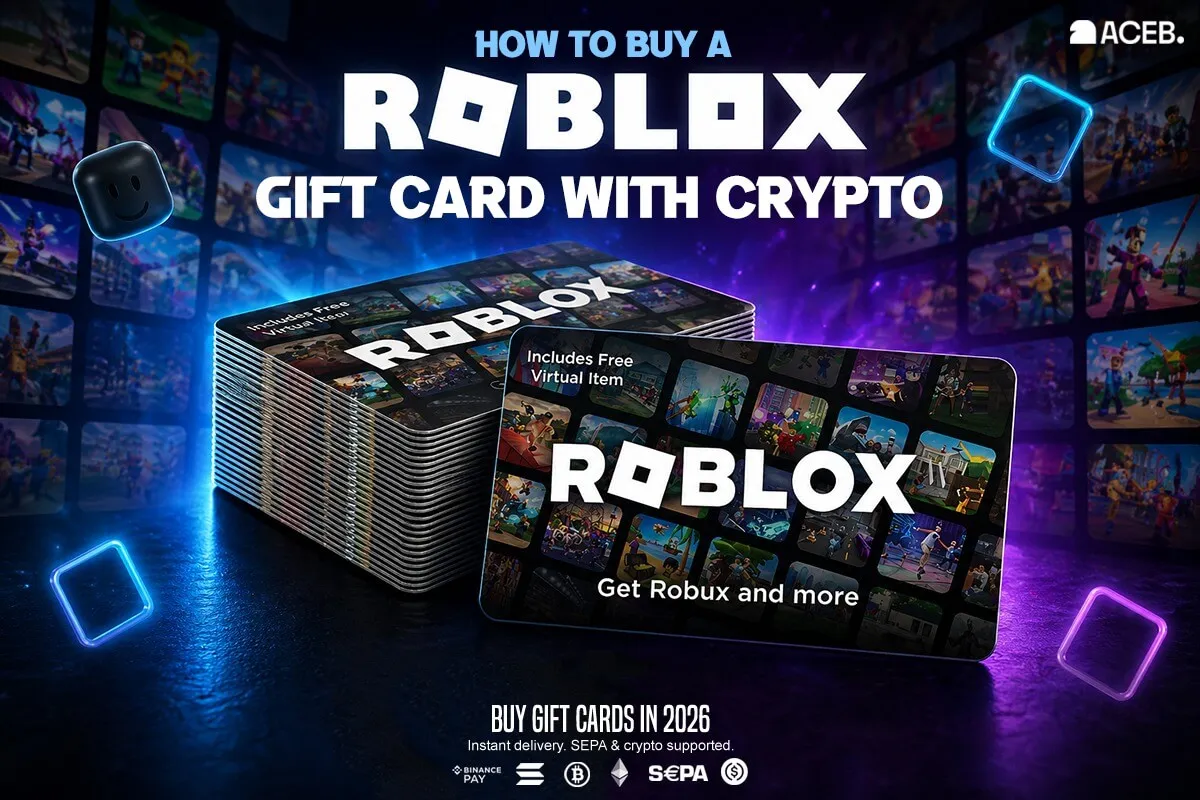
How to Buy a Roblox Gift Card with Crypto
Buy a Roblox gift card with crypto in minutes on ACEB.com. Learn how to use Bitcoin, Ethereum, Solana, or USDC to get Roblox credit, redeem it safely, and convert it into Robux or Roblox Premium step by step.
You can buy a Roblox gift card with crypto on ACEB.com in under five minutes — no bank card required, no account needed for most purchases.
Go to aceb.com/brands/roblox-gift-cards, choose the Roblox card that matches your region, pay with BTC, ETH, SOL, or USDC, and receive the digital code by email. Redeem it at roblox.com/redeem to add Roblox credit to your account.
This is useful for searches like buy Robux with Bitcoin, buy Roblox gift card with crypto, or crypto to Roblox credit.
A Roblox gift card is a prepaid digital code that adds Roblox credit to an account. That credit can usually be used to buy Robux or Roblox Premium, and Robux can then be used for avatar items, game passes, in-experience purchases, and other eligible Roblox content.
ACEB.com lets users buy Roblox gift cards with Bitcoin, Ethereum, Solana, USDC, or SEPA, receive a digital code by email, and redeem it on Roblox for account credit that can be used toward Robux or Roblox Premium where supported.
- You can buy Roblox gift cards on ACEB.com with BTC, ETH, SOL, USDC, or SEPA.
- The digital code is delivered by email after payment confirmation.
- Roblox gift cards add Roblox credit first — that credit can usually be used for Robux or Roblox Premium where supported.
- Roblox cards may be region-specific — choose the card that matches your Roblox account region or currency.
- Redeem the code only on the official Roblox redemption page: roblox.com/redeem.
- Available markets: multiple Roblox regions — check live availability on ACEB.com before purchasing
- Region match recommended: choose the card that matches your Roblox account region or intended currency
- What it adds: Roblox credit, which can usually be used to buy Robux or Roblox Premium where supported
- Payment: BTC, ETH, SOL, USDC, or SEPA
- Delivery: digital code by email after payment confirmation
- Validity: Roblox gift cards do not expire according to Roblox terms, but local, regional, or promotional rules may vary — redeem promptly after purchase
Step Zero: Choose the Right Roblox Region
Roblox gift cards may be region-specific, especially when the card is tied to a local currency. Before buying, choose the card that matches your Roblox account region, billing country, or the currency you normally use on Roblox.
This is the most important step. A Roblox USA card is intended for US-based redemption, while Roblox Canada, Germany, United Kingdom, or Australia cards are meant for their specific markets. Roblox EU / EUR cards are intended for eligible EUR-supported markets where available.
- Log in to your Roblox account
- Check your account settings and billing region
- Confirm the country or currency you normally use
- Choose the matching Roblox card on ACEB.com
Buying a card because it is available or cheaper, without checking region compatibility. If the card currency does not match your account setup, redemption can fail.
US account → Roblox USA. Canada account → Roblox Canada. UK account → Roblox United Kingdom. EUR account → Roblox EU.
Common Mistakes to Avoid Before Buying
- Buying the cheapest Roblox gift card without checking the region or currency.
- Trying to redeem the code on the wrong Roblox account.
- Entering the code with extra spaces or copied characters.
- Expecting the gift card to add Robux directly instead of Roblox credit first.
- Sharing the code before redeeming it.
Step-by-Step: Buy Roblox Gift Card with Crypto
- 1 Choose your Roblox region Check your Roblox account region or currency before buying. Choose the matching regional Roblox card.
- 2 Select the matching listing on ACEB.com Go to aceb.com/brands/roblox-gift-cards and choose the correct market — USA, Canada, Australia, EU, United Kingdom, Germany, France, Italy, and more.
- 3 Choose value and enter your email Select the gift card value and enter the email address where the Roblox code should be delivered. Double-check the address before payment.
- 4 Pay with cryptocurrency Send payment with BTC, ETH, SOL, or USDC. SEPA bank transfer is also available. Blockchain confirmation usually takes a few minutes depending on the network.
- 5 Receive your Roblox code by email The digital Roblox code is sent to your email after payment confirmation. Check inbox, spam, and promotions folders.
- 6 Redeem on Roblox Go to roblox.com/redeem, log in, enter the code carefully, and click Redeem. The code adds Roblox credit to your account.
How to Redeem a Roblox Gift Card
Roblox gift cards are redeemed on Roblox’s official redemption page. Make sure you are signed in to the Roblox account where you want the credit to be added before entering the code.
Standard redemption flow
- Go to https://www.roblox.com/redeem
- Log in to your Roblox account
- Enter the gift card code exactly as shown
- Remove spaces before or after the code
- Click Redeem
- Use the redeemed Roblox credit to buy Robux or Roblox Premium where supported
Important: redeem the code only on the official Roblox website. Do not share your gift card code with anyone before redeeming it.
Can You Buy Robux Directly with Crypto?
Roblox does not currently provide a standard direct crypto checkout option for buying Robux. The practical route is to buy a Roblox gift card with crypto, redeem it for Roblox credit, then use that credit to buy Robux or Roblox Premium where supported.
This makes Roblox gift cards one of the easiest ways to turn Bitcoin, Ethereum, Solana, or USDC into Roblox spending power.
Buy Robux with Crypto: How the Gift Card Route Works
If your goal is to buy Robux with crypto, the easiest route is usually indirect: buy a Roblox gift card with Bitcoin, Ethereum, Solana, or USDC, redeem the code to your Roblox account, then use the resulting Roblox credit for Robux or Roblox Premium where supported.
This avoids the need to connect a bank card to Roblox directly. Instead, crypto is converted into a Roblox gift card first, and the gift card becomes account credit after redemption.
Use BTC, ETH, SOL, or USDC at checkout on ACEB.com.
Receive the digital gift card code by email after payment confirmation.
Add the code to your Roblox account at roblox.com/redeem.
Use Roblox credit for Robux or Roblox Premium where supported.
In other words: if you are searching for “buy Robux with Bitcoin” or “crypto to Robux”, a Roblox gift card is the payment bridge.
Roblox Gift Card vs Buying Robux Directly
Buying Robux directly and buying a Roblox gift card both lead to Roblox spending power, but they work differently. If you want to use crypto, the gift card route is usually more flexible.
| Option | Best for | Payment method | Flexibility |
|---|---|---|---|
| Roblox Gift Card | Using crypto, gifting, or adding Roblox credit first | Crypto via ACEB.com, then redeem code on Roblox | Can usually be used for Robux or Roblox Premium after redemption |
| Buying Robux Directly | Immediate Robux purchase inside Roblox | Traditional payment methods available in Roblox | Direct Robux purchase, but less useful if you want to pay with crypto |
If you already hold crypto, a Roblox gift card is the cleaner path: crypto → digital code → Roblox credit → Robux or Roblox Premium where supported.
Who Is This For?
Buying a Roblox gift card with crypto is useful for several types of users — not only players who want Robux quickly.
Players who hold crypto and want to turn it into Roblox credit without using a bank card.
A controlled way to give Roblox spending credit without sharing card details.
Useful when traditional payment methods are unavailable, limited, or inconvenient.
Users who need a specific regional Roblox card and want a digital code delivered by email.
Choose the right Roblox region, pay with BTC, ETH, SOL, or USDC, and receive your digital code by email.
Choose Your Roblox Region and Pay with Crypto →Available Roblox Markets on ACEB.com
Choose the Roblox gift card that matches your account region or currency. Availability and stock can change, so check the live listing before purchasing.
ACEB.com also groups Roblox under Gaming gift cards. Check live availability before purchasing.
What You Can Do After Redeeming Roblox Credit
A Roblox gift card adds Roblox credit first. That credit can usually be used to buy Robux or Roblox Premium. Once you have Robux, you can use it across the Roblox ecosystem.
Use Roblox credit to buy Robux where supported by your account and region.
Use eligible credit toward Roblox Premium where available for your account.
After buying Robux, customize your avatar with clothing, accessories, bundles, and marketplace items.
Use Robux for game passes, in-experience purchases, upgrades, and other eligible Roblox content.
Is It Safe to Buy Roblox Gift Cards with Crypto?
Buying Roblox gift cards with crypto is safe when you use a provider with clear product listings, secure checkout, and digital code delivery. The main risks are choosing the wrong region, entering the wrong email address, or sharing the code before redemption.
- Choose the Roblox card that matches your account region or currency.
- Double-check the delivery email before payment.
- Redeem only at roblox.com/redeem.
- Remove spaces before or after the code when entering it.
- Keep your ACEB.com order reference until the credit appears in Roblox.
ACEB.com does not control Roblox redemption rules, regional restrictions, or account eligibility. Always check your Roblox region and redeem the code only on the official Roblox website.
Troubleshooting: Code Not Working
| Problem | Likely cause | Fix |
|---|---|---|
| Code not received | Payment not yet confirmed, or email filtered to spam | Wait for payment confirmation and check inbox, spam, and promotions folders |
| Invalid code | Typing error, extra spaces, or copied characters | Copy the code carefully and remove spaces before or after it |
| Code already redeemed | Code was already applied to a Roblox account | Check your Roblox balance and make sure you are logged into the correct account |
| Region or currency issue | Card region does not match account region or intended currency | Check your account region and contact ACEB.com support if the wrong card was purchased |
| Credit not appearing | Sync delay or wrong Roblox account | Log out and back in. Confirm you redeemed on the correct Roblox account |
Frequently Asked Questions
Can I buy a Roblox gift card with Bitcoin?
Yes. You can buy Roblox gift cards on ACEB.com with BTC, ETH, SOL, or USDC. SEPA bank transfer is also available.
Can I buy Robux with crypto?
Yes. The practical route is to buy a Roblox gift card with crypto, redeem it to your Roblox account, then use the credit for Robux or Roblox Premium where supported.
What can I do with a Roblox gift card?
A Roblox gift card adds Roblox credit to your account. That credit can usually be used to buy Robux or Roblox Premium. Robux can then be used for avatar items, game passes, in-experience purchases, and other eligible Roblox content.
Are Roblox gift cards region locked?
Roblox gift cards may be region-specific. For the smoothest redemption, choose the card that matches your Roblox account region, billing country, or intended currency.
How do I redeem a Roblox gift card?
Go to https://www.roblox.com/redeem, log in to your Roblox account, enter the code carefully, remove any extra spaces, and click Redeem.
Do Roblox gift cards expire?
Roblox gift cards do not expire according to Roblox terms, but local, promotional, or regional rules may vary. ACEB.com recommends redeeming codes promptly after purchase.
Buying a Roblox gift card with crypto on ACEB.com is simple: choose the right region, pay with BTC, ETH, SOL, or USDC, receive the code by email, and redeem it on Roblox for credit that can be used toward Robux or Roblox Premium where supported.
Buy the Right Roblox Gift Card on ACEB.com
Turn crypto into Roblox credit — pay with BTC, ETH, SOL, USDC, or SEPA. Digital code delivered by email after confirmation.
Make sure you choose the Roblox card that matches your account region or currency before purchasing.
Choose Your Roblox Region and Pay with CryptoRelated Gift Cards
- Steam USD Gift Card
- Google Play USA Gift Card
- PlayStation USA Gift Card
- Xbox Gift Card
- All Gaming Gift Cards on ACEB.com